

If you wish to add or remove listings from your subscription, we have made the process simple and hassle-free. Follow these easy steps to initiate the upgrade/downgrade:
1. Log In to Your Account: Access your account on Storefront using your credentials and go to "Account & Settings".
2. Navigate to Subscription Settings: From the "Account & Setting" menu, click on "My Subscription". Then click on "See my subscriptions" to access our Secured Stripe Customer Portal.
Quick Access: https://www.thestorefront.com/account/subscriptions
3. Select your Current Plan: Click on "Update plan" and select the quantity as the number of listings you want to subscribe to.
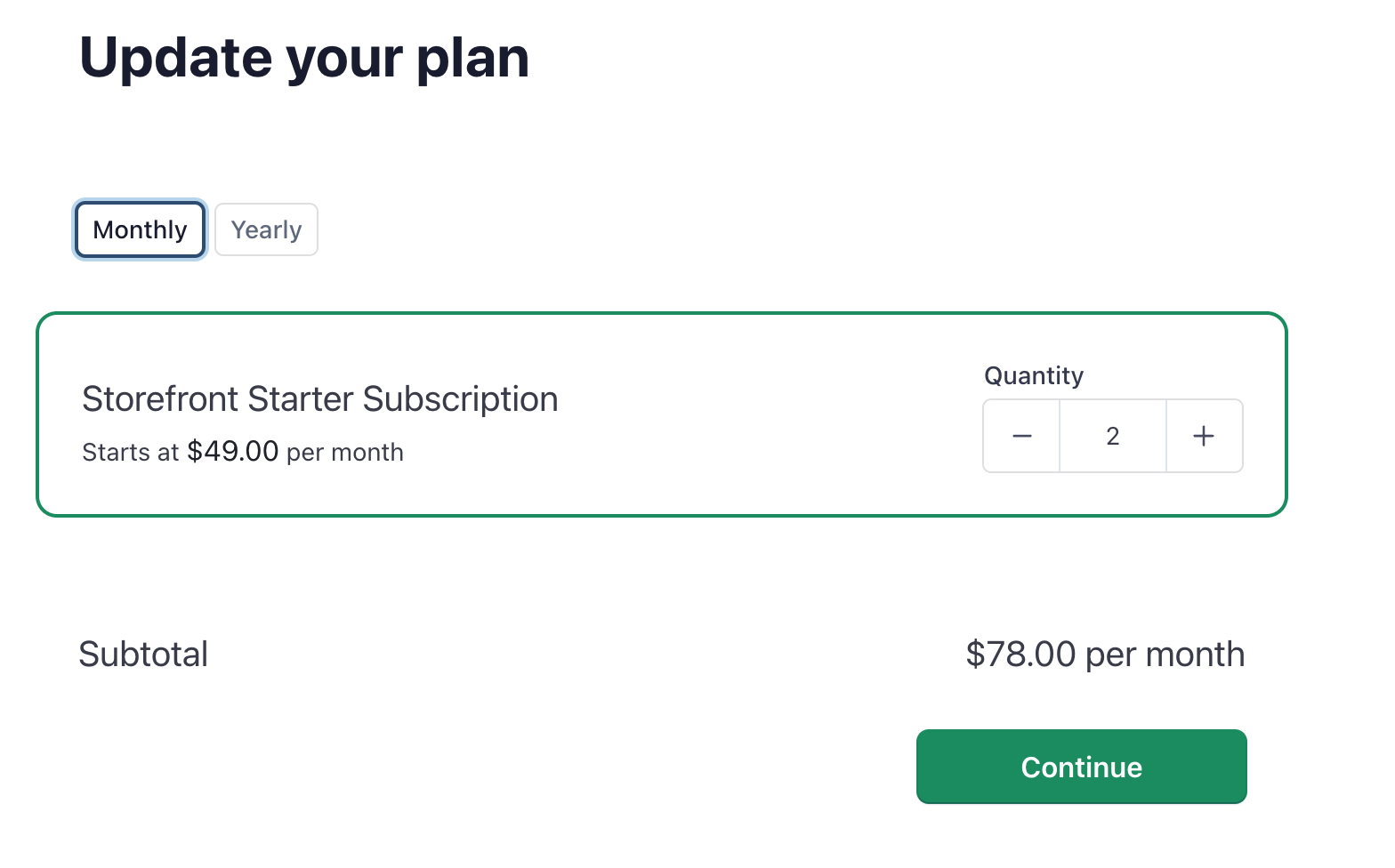
The change will be immediate and you will be pro-rated according to your billing cycle.