
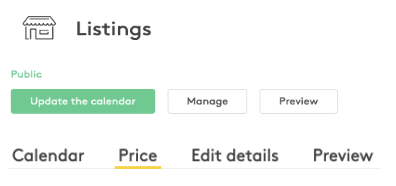
When logged in to your Storefront account, in the top right corner, click on “Listings” > “Manage” > “Price” and you will be able to change your pricing there!

Storefront Help Center
How to update the daily or monthly rental price of your Storefront listing at any time, including how price changes affect active inquiries.
Updated on Apr 6, 2022
When logged in to your Storefront account, in the top right corner, click on “Listings” > “Manage” > “Price” and you will be able to change your pricing there!