
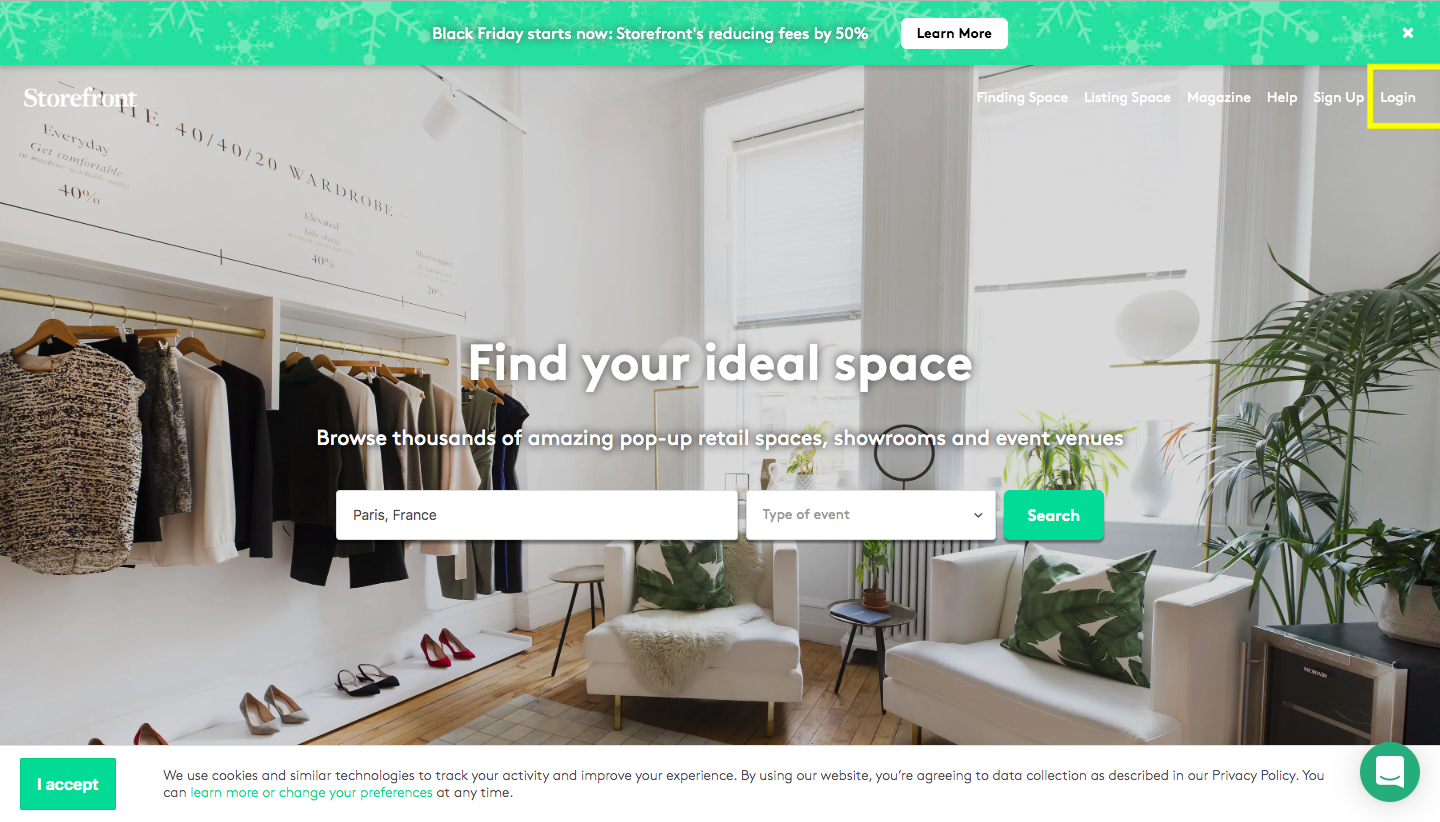
First of all, use your login details to log in to the platform.
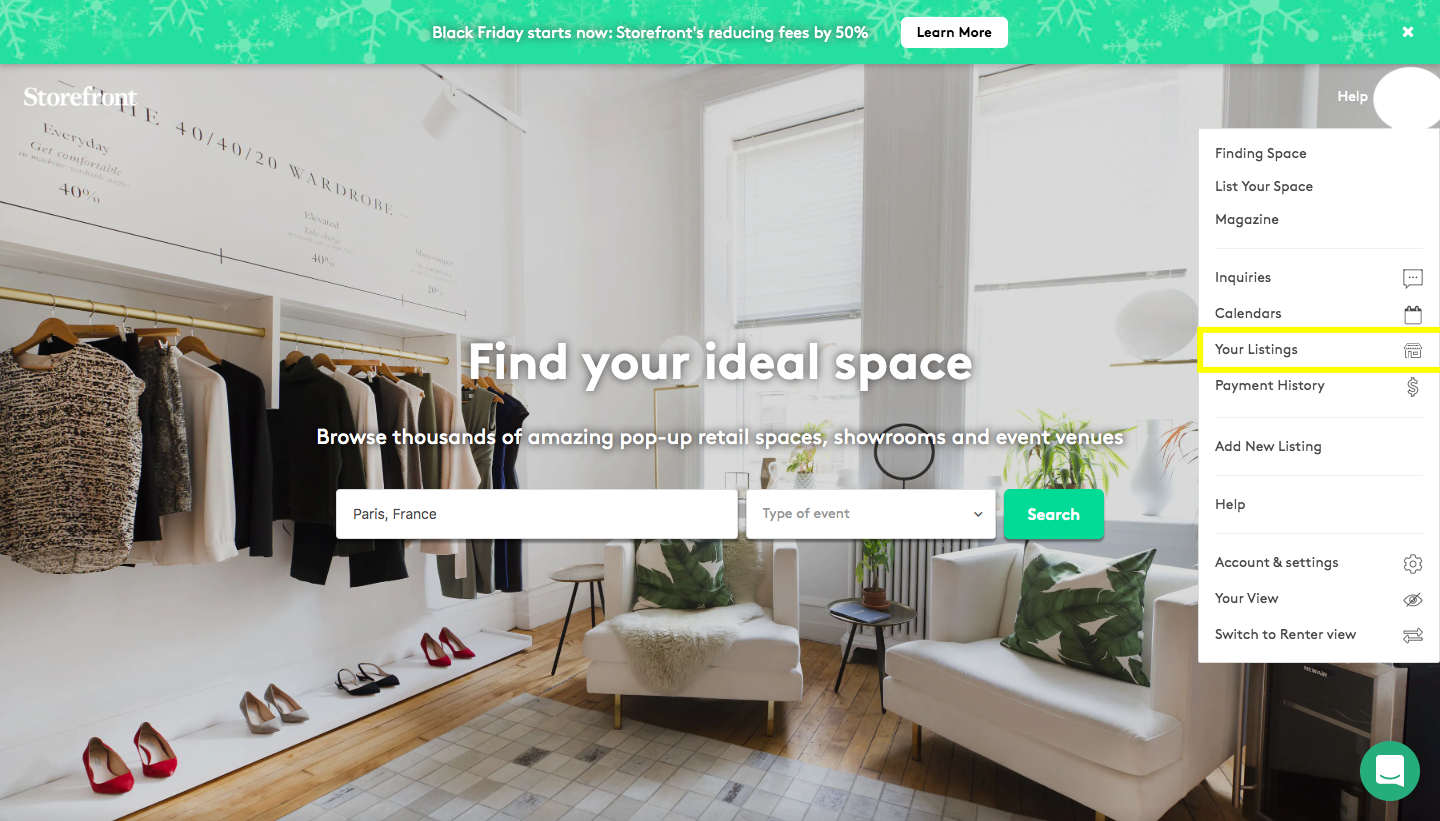
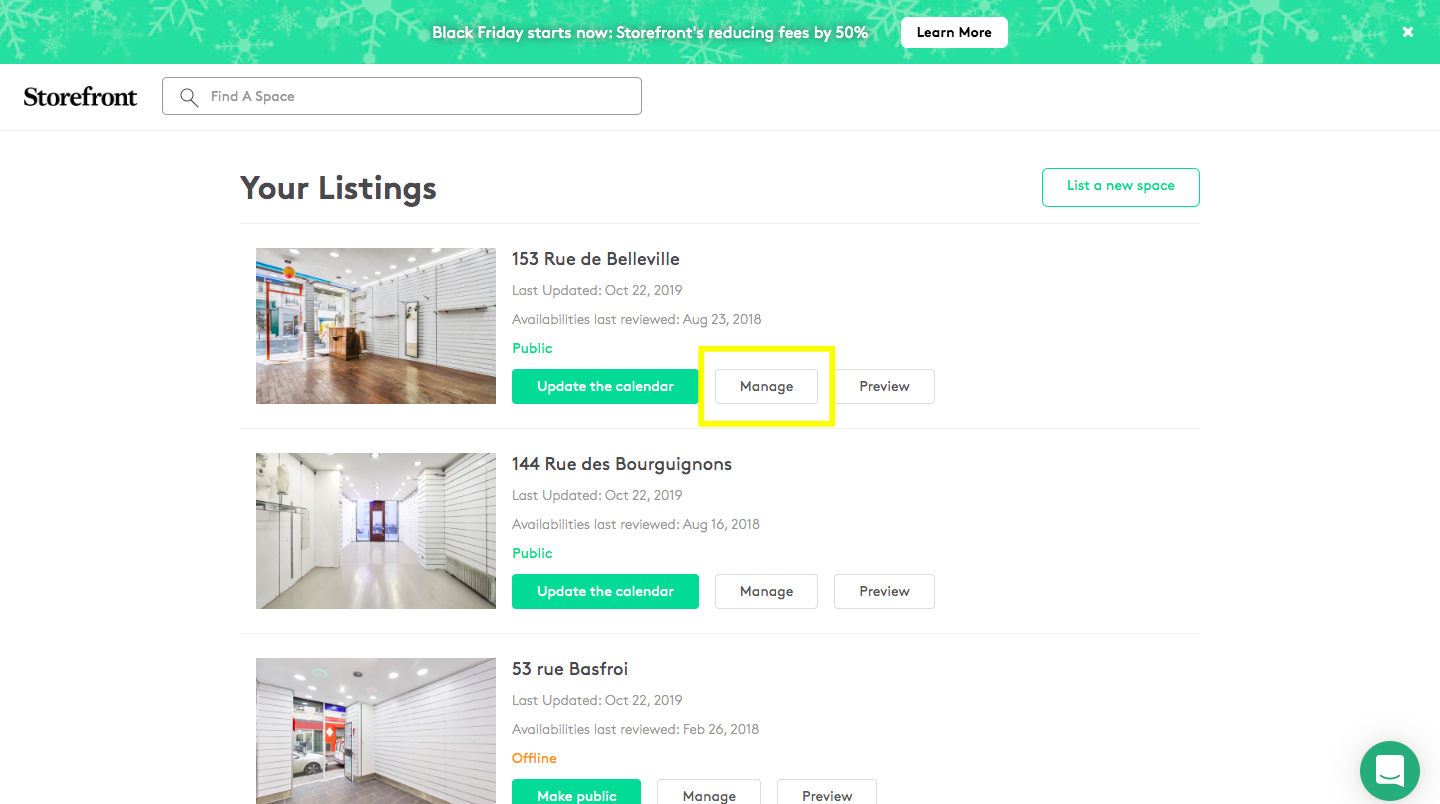
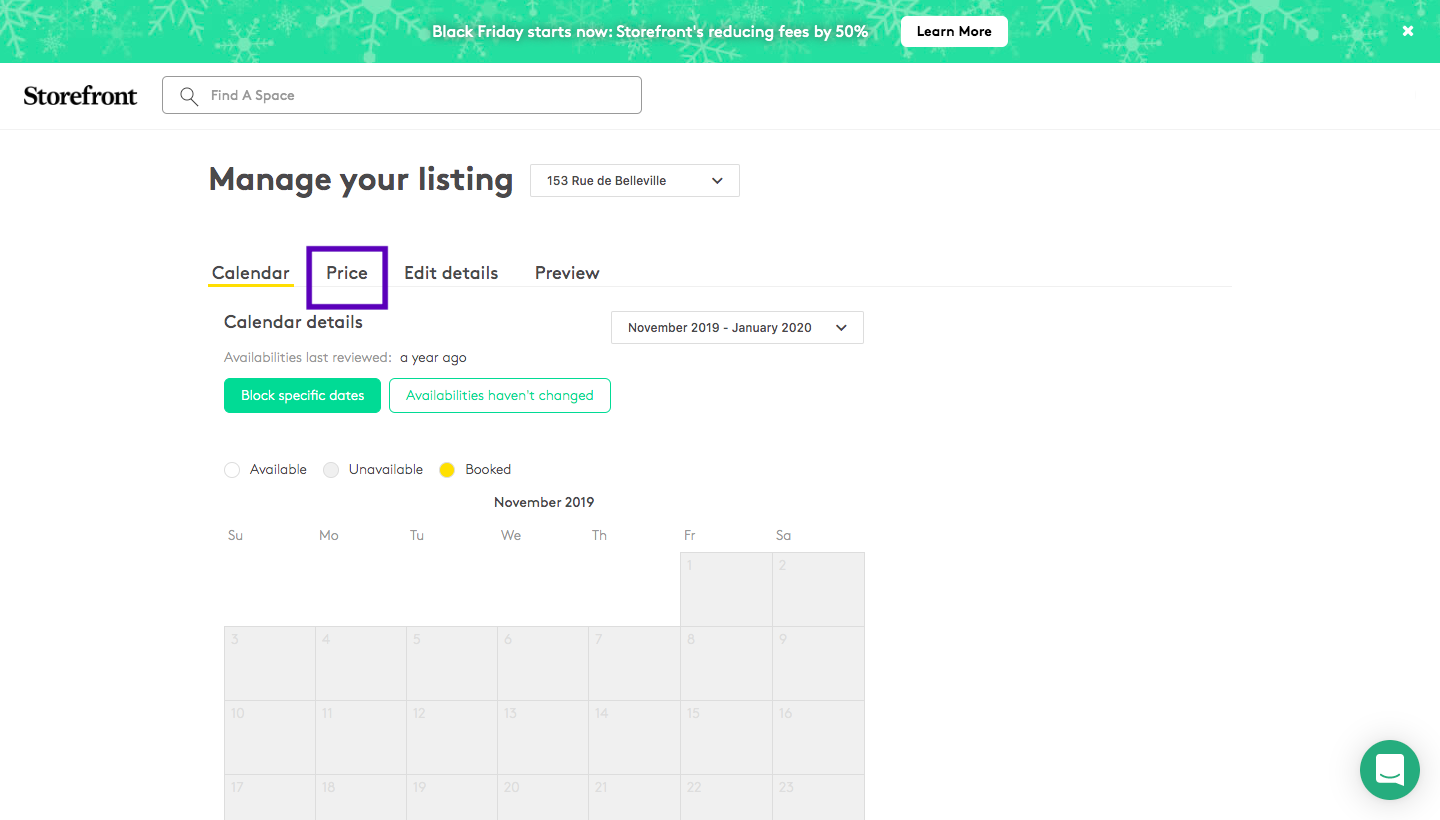
Click on 'Your listings', then 'Manage' and click on the 'Price' section....
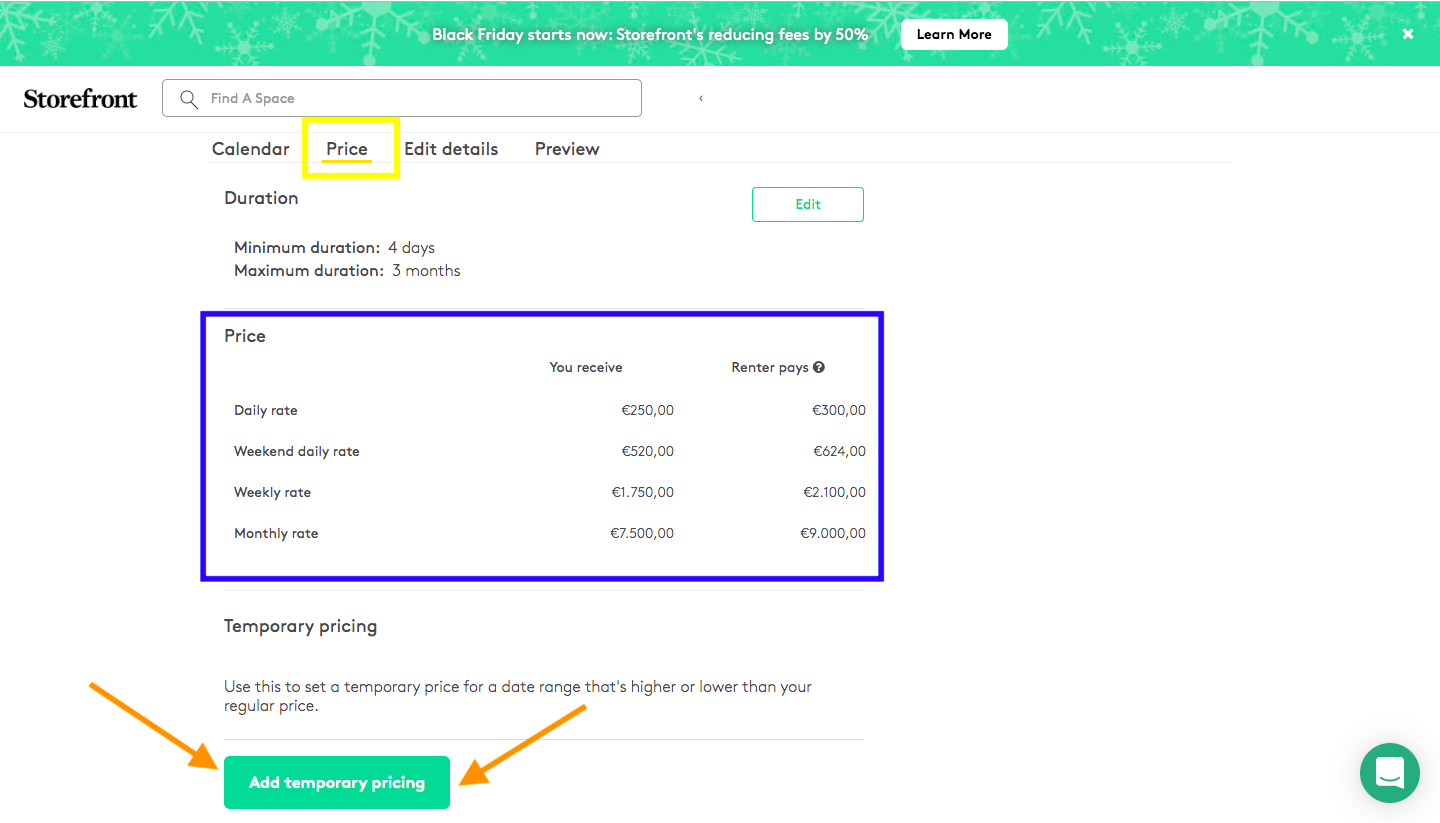
You'll have two different kind of prices. The first one (underlined in blue) represent the prices set for your space, ie 1 500€/week. On the other hand "Add Temporary Pricing", is a section in case you want to set prices for a specific period (for example during the Fashion Weeks, during the summer, Christmas period..). So you'll have to select a period and put the price that you would like to receive. Once saved, the platform will automatically update the prices with our 20% commission.