
如需存取日曆,請透過以下連結登入您的 Storefront 帳戶 https://www.thestorefront.com/
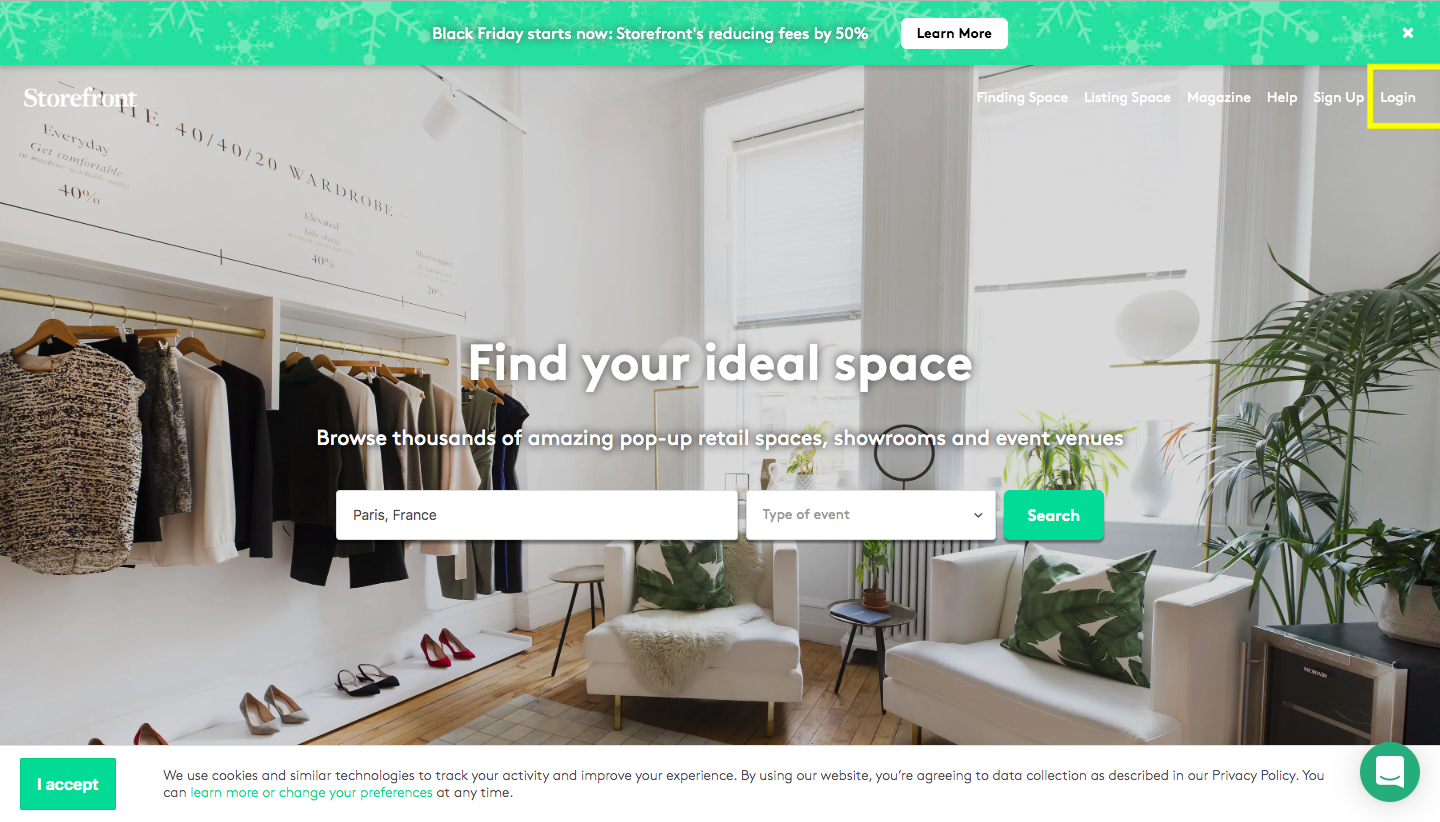
Storefront homepage with Find your ideal space search bar and Login button highlighted in yellow

然後,輸入您的電郵地址和密碼進行登入。如需重設密碼,請點擊 https://www.thestorefront.com/forgot-password

登入後,請前往「日曆」。
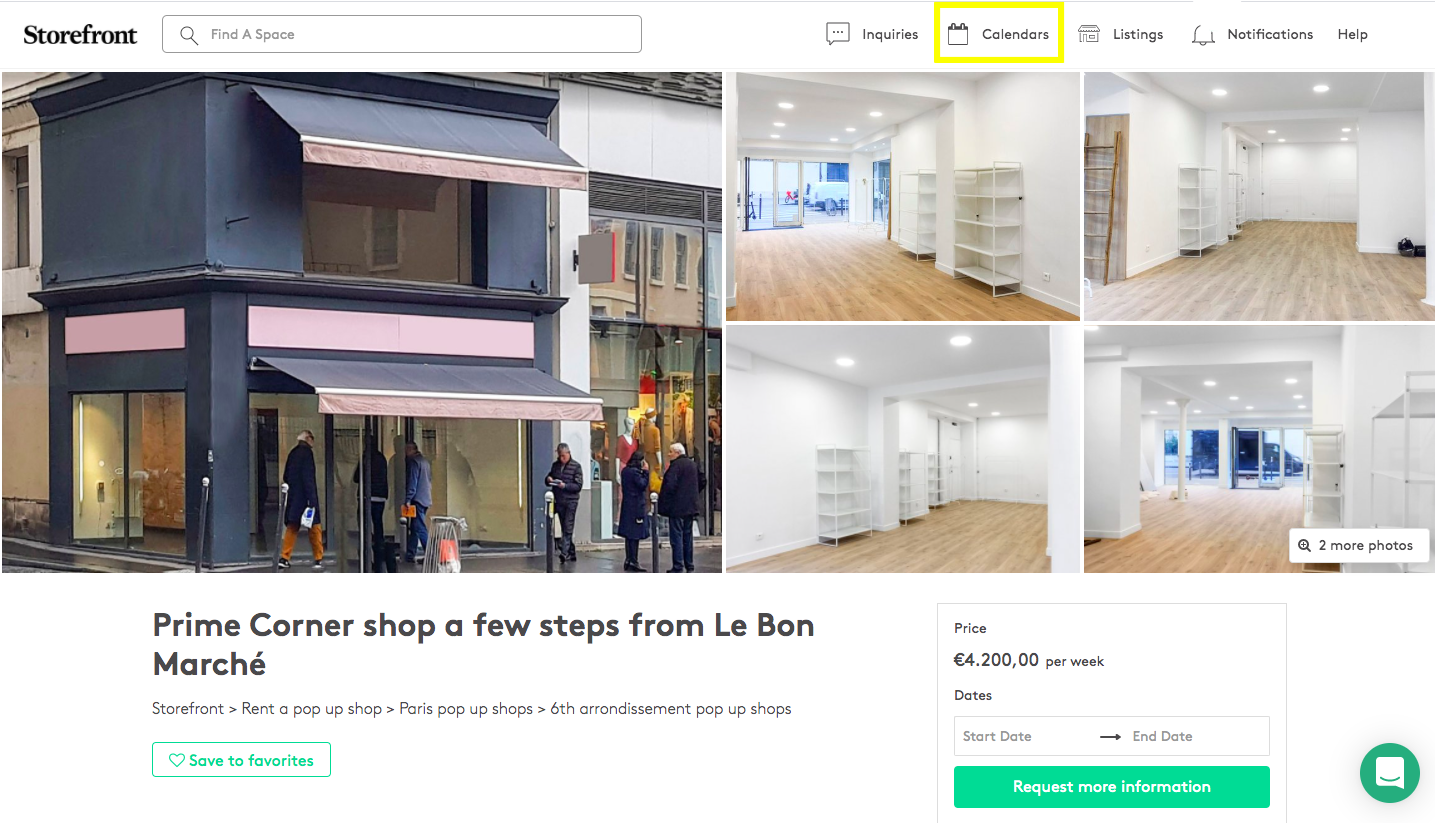
Storefront space listing page for a prime corner shop near Le Bon Marché with Calendars tab highlighted in the navbar

如需封鎖不可用的日期,請點擊綠色按鈕「封鎖特定日期」,讓租戶了解您場地的可用性
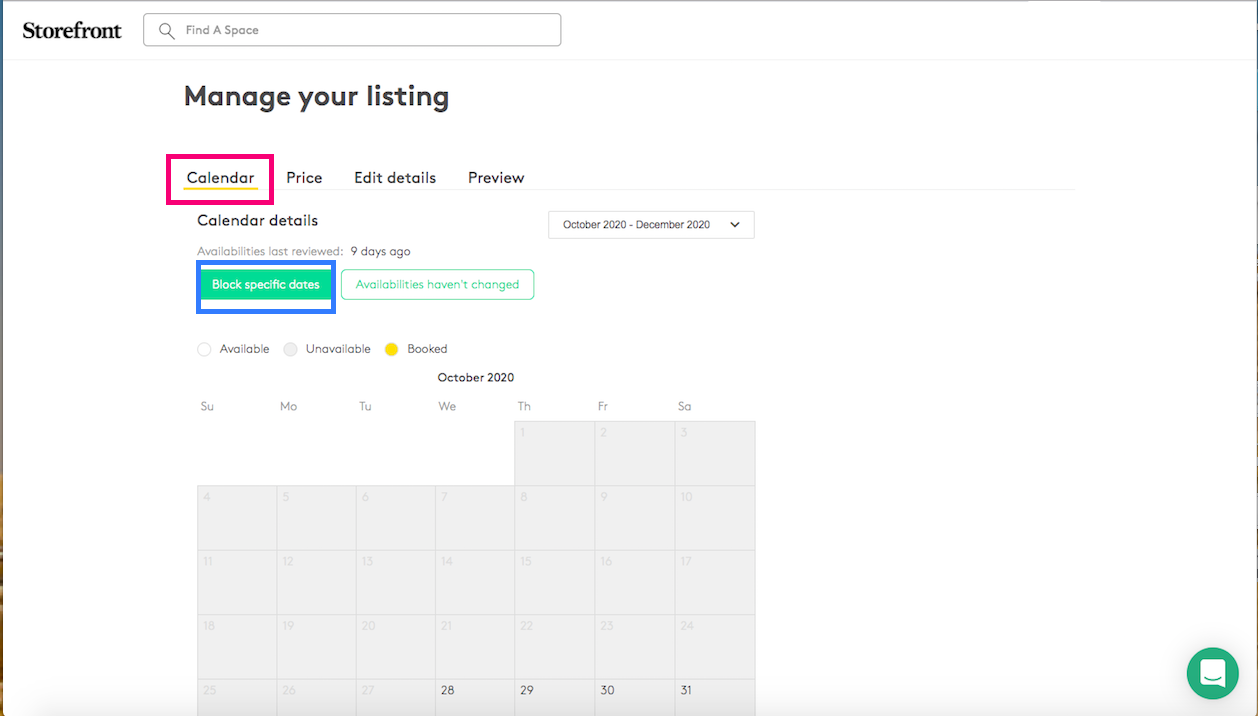
Manage listing Calendar tab showing October 2020 with Block specific dates and Availabilities haven't changed buttons

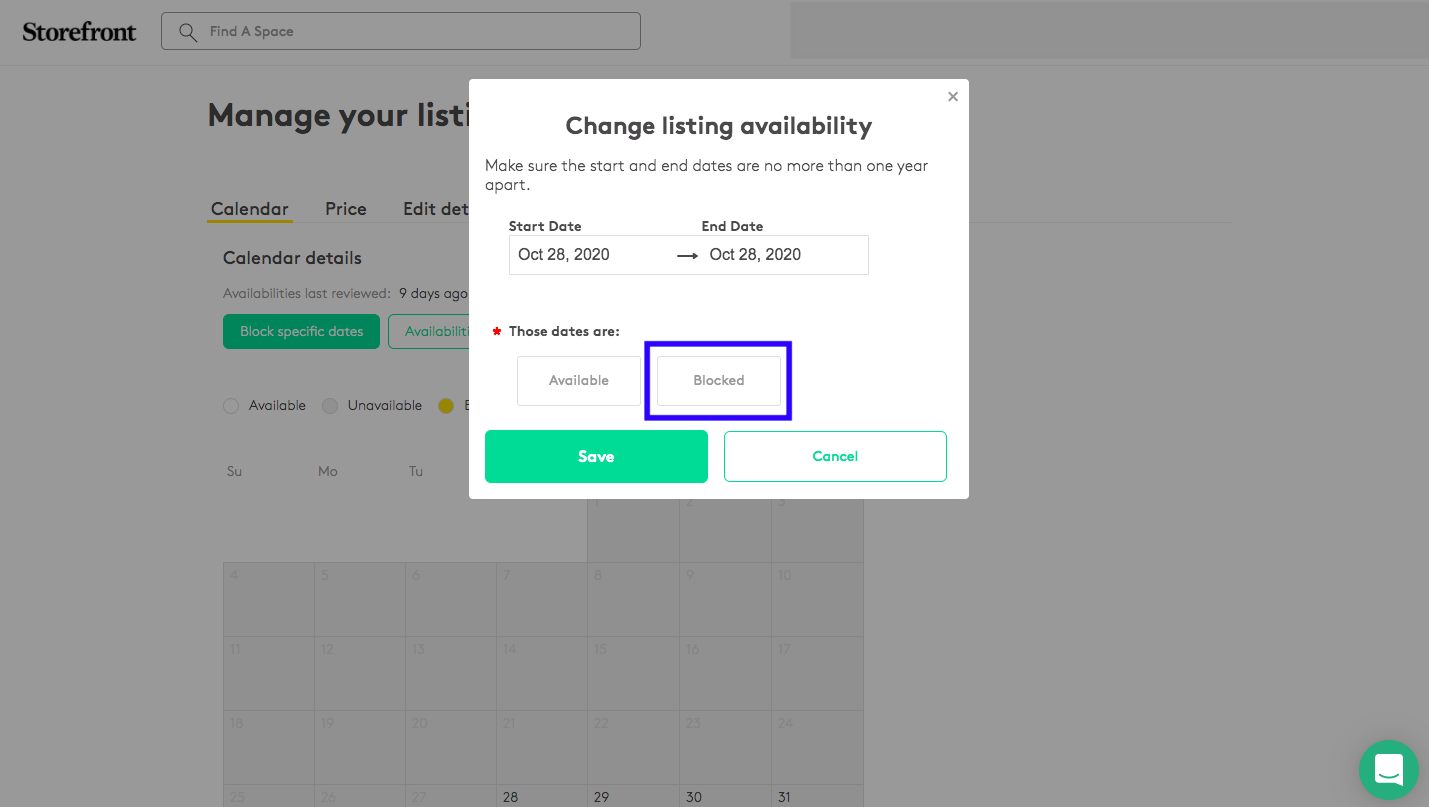
然後點擊「已封鎖」,使相關日期在日曆上顯示為灰色

Change listing availability modal with date range October 28 2020, Blocked option selected and highlighted

但是,如果您之前封鎖了日期,而您的場地實際上在該期間可用,請按照相同步驟操作,但這次點擊「可用」,以解除您之前封鎖的日期
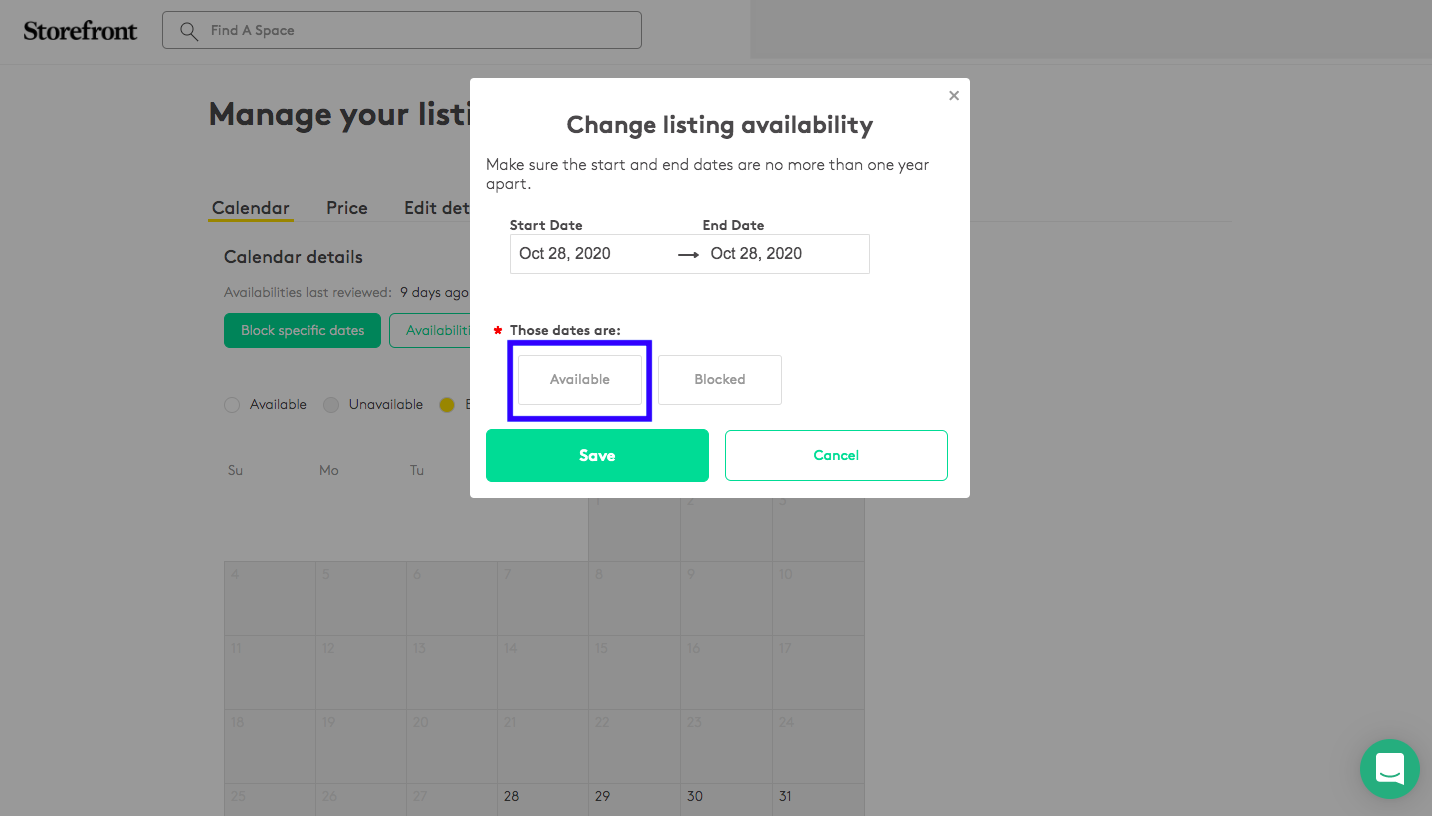
Change listing availability modal with Available option selected and highlighted

最後,「可用性未更改」按鈕與系統向您發送的提醒您更新日曆的自動電郵有關。如果您不需要封鎖任何時段/日期,請點擊此按鈕
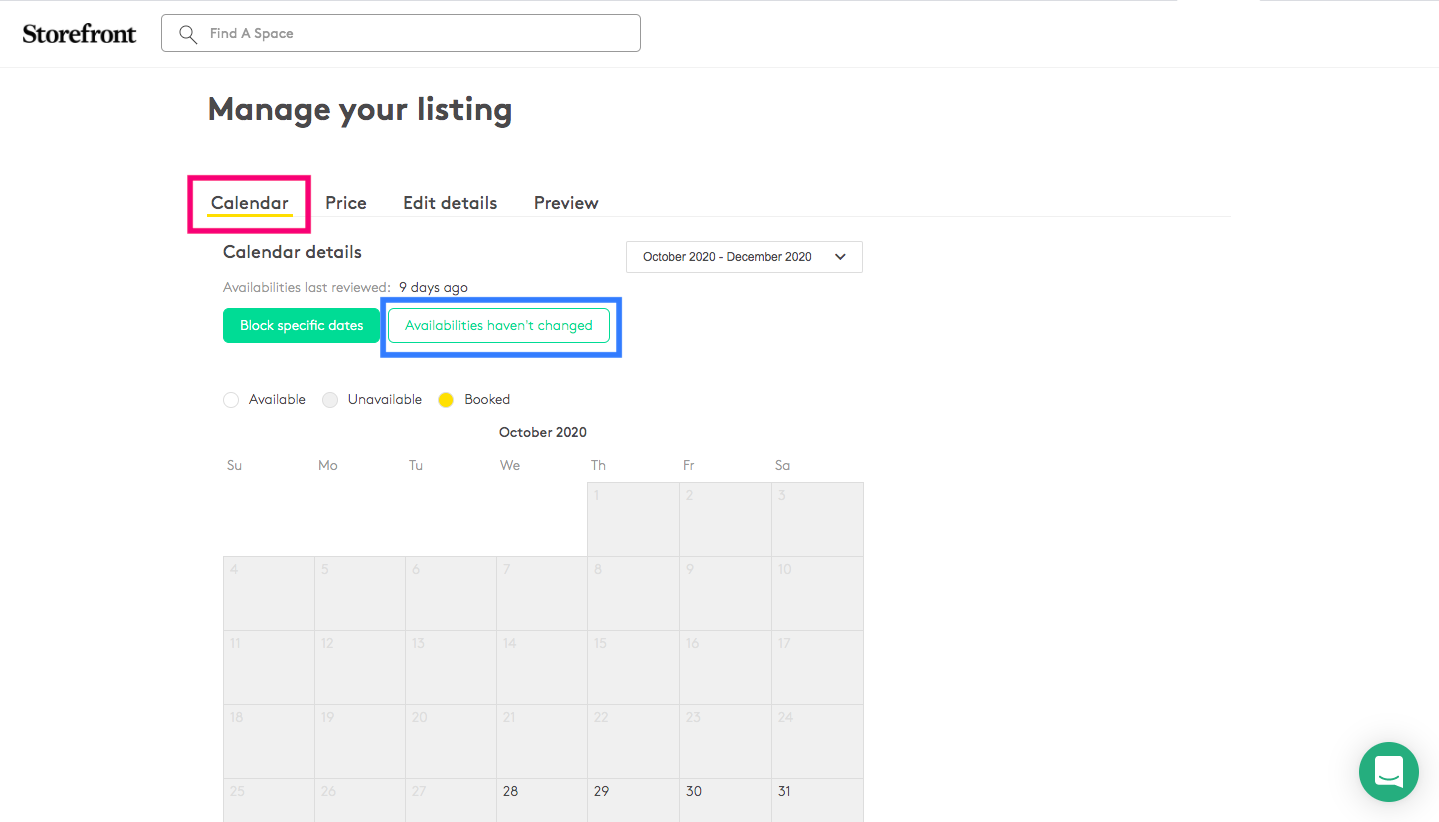
Manage listing Calendar tab with Availabilities haven't changed button highlighted in blue

如需進一步資訊,請閱讀 http://blog.thestorefront.com/fr/how-to-use-storefronts-availability-calendar/