
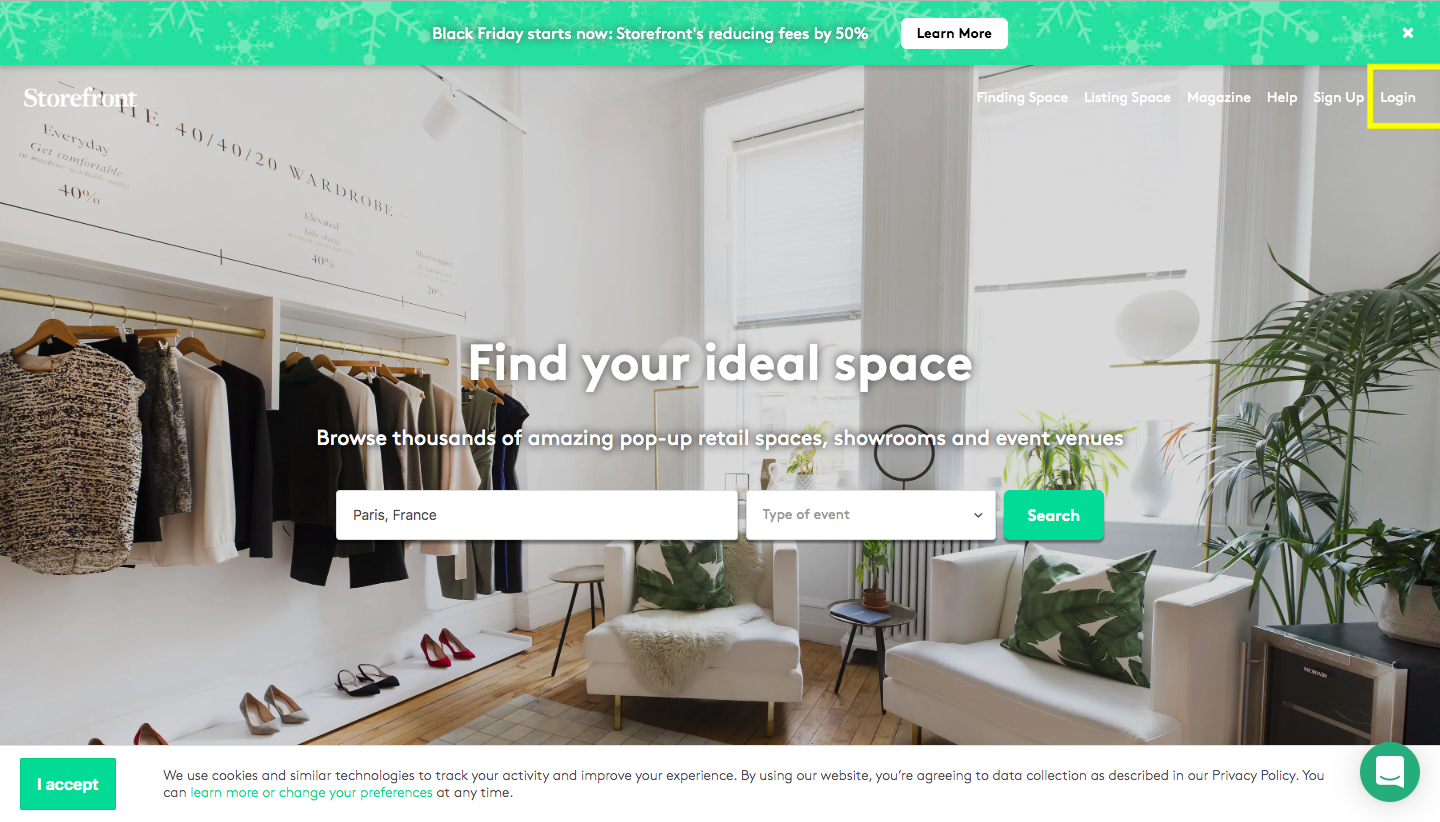
首先,請使用您的登入資訊登入平台。
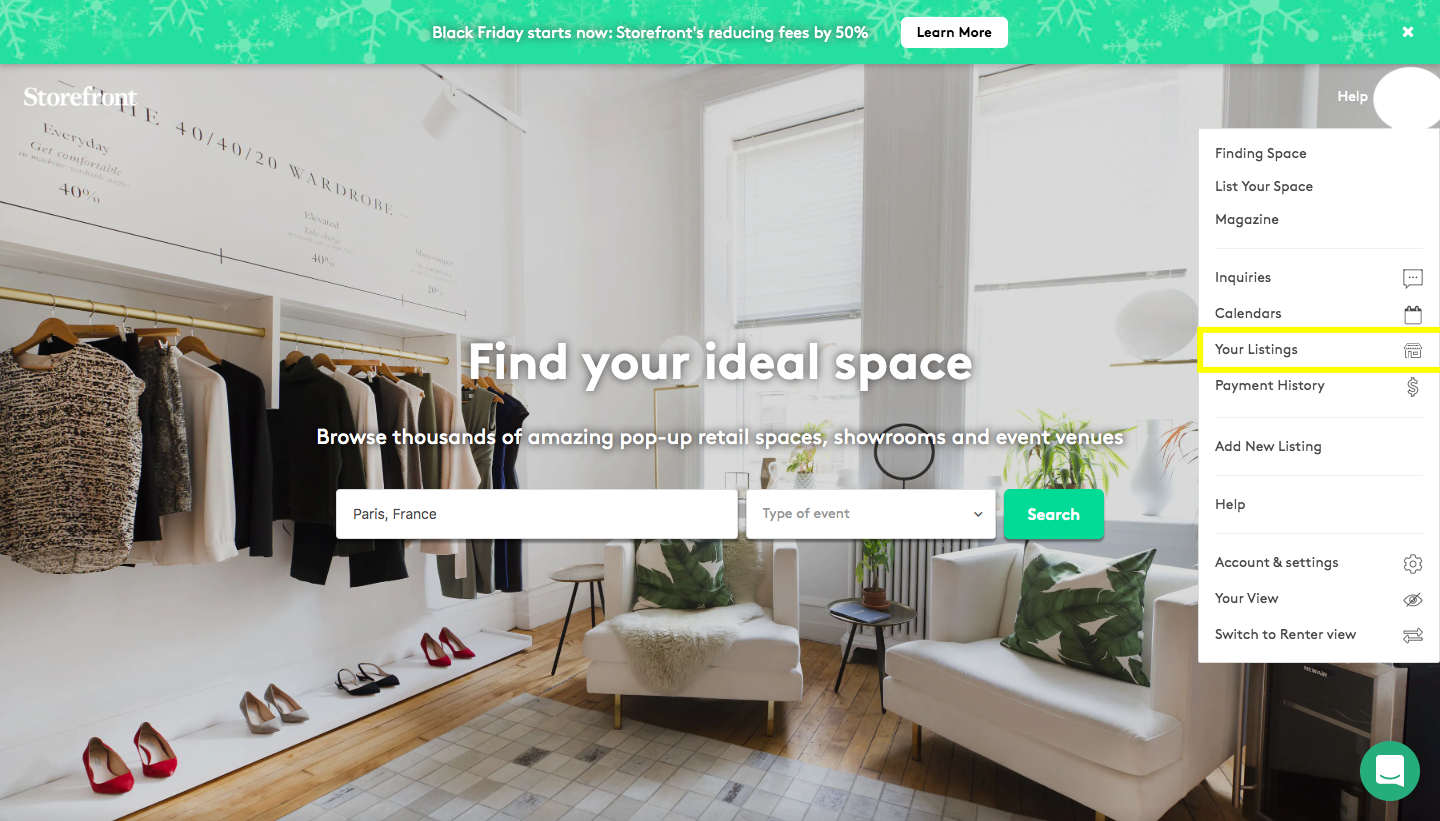
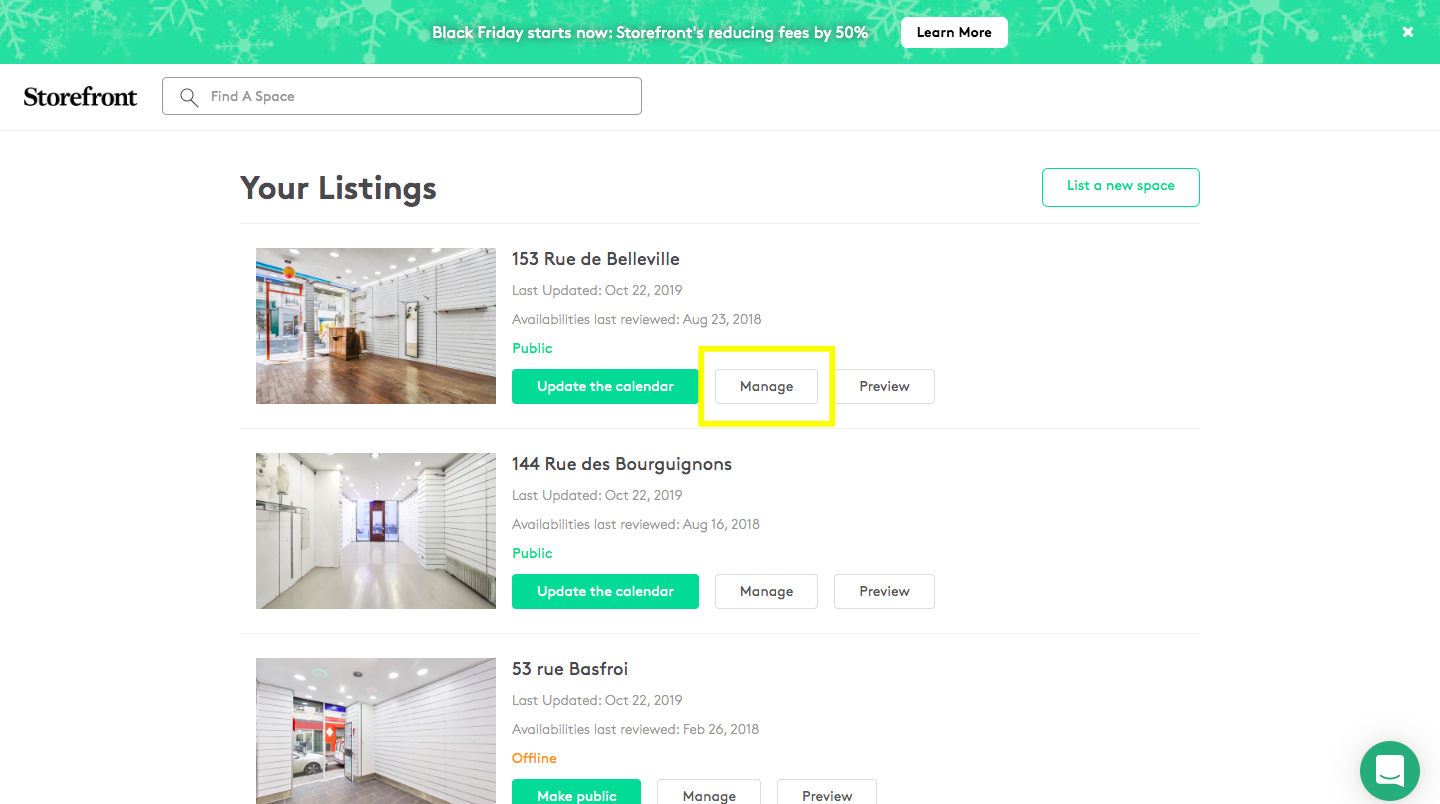
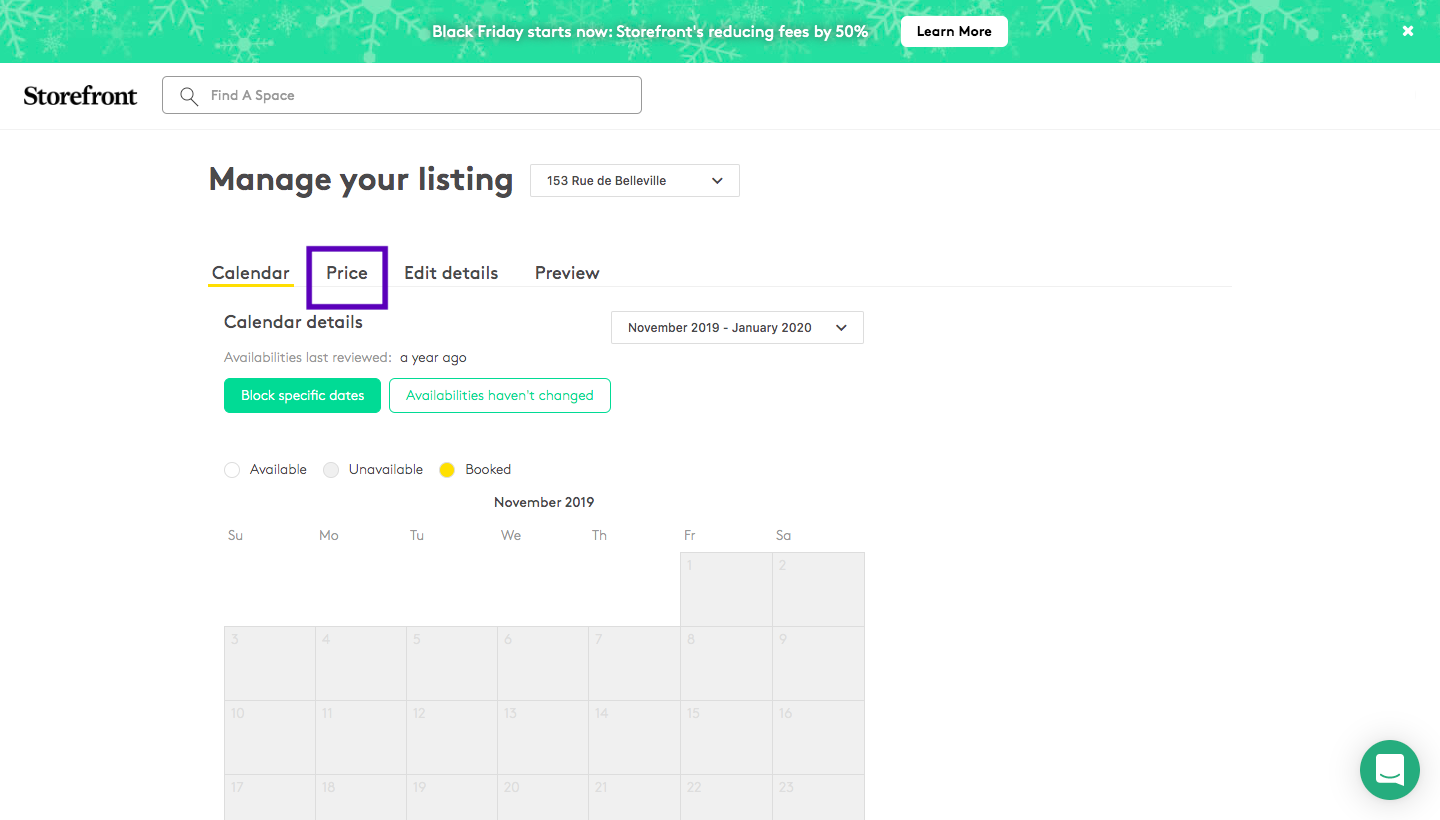
點擊「您的刊登」,然後點擊「管理」,再點擊「價格」部分……
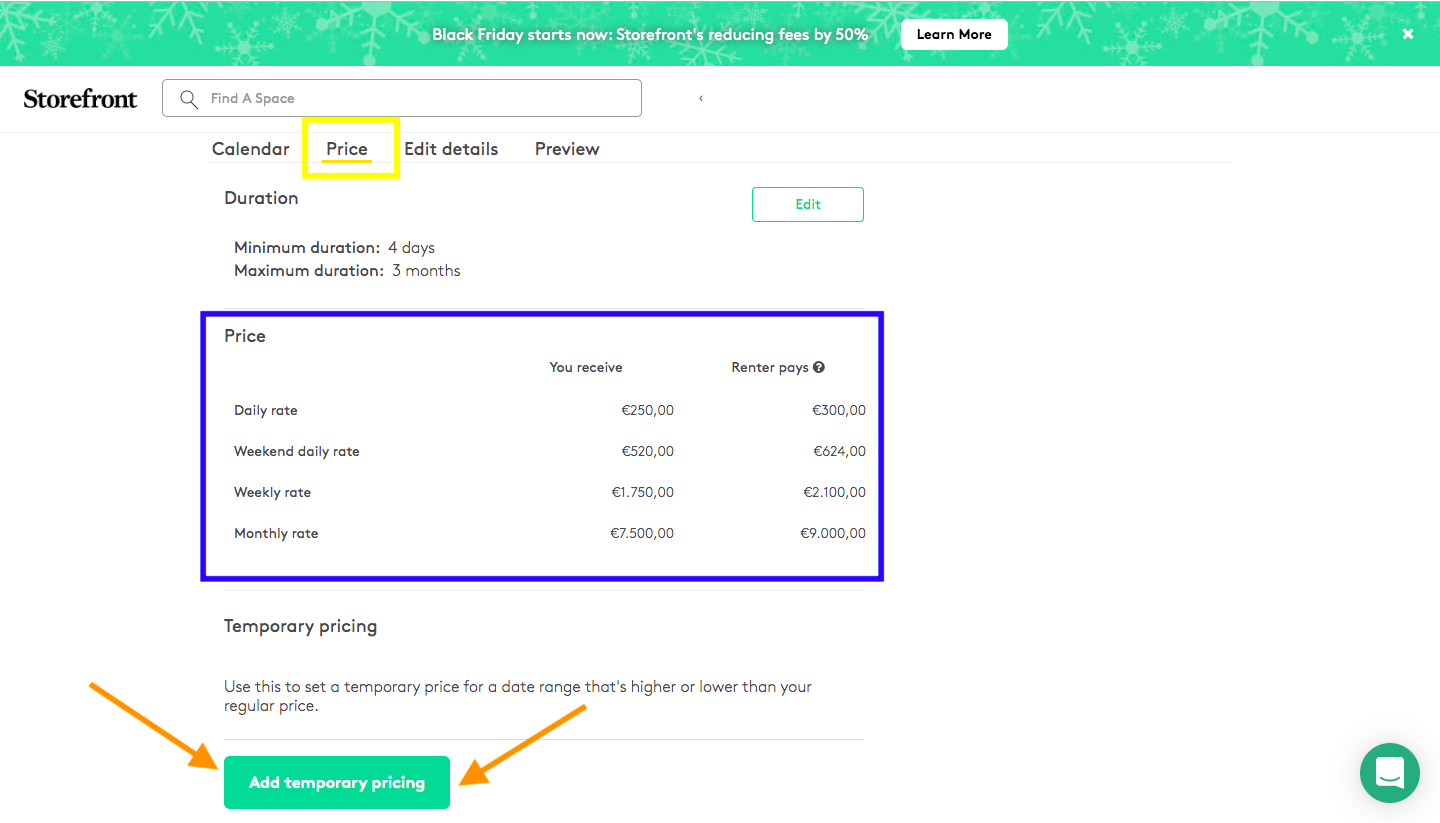
您將有兩種不同的定價。第一種(以藍色下劃線標示)代表您空間的標準定價,例如每週 1,500€。另一方面,「新增臨時定價」是一個部分,適用於您想為特定期間(例如時裝週、夏季、聖誕節期間)設定特殊價格的情況。您需要選擇一個期間並輸入您希望收取的價格。儲存後,平台將自動以我們 20% 的佣金更新價格。

Storefront 幫助中心
如何在房源的價格部分新增臨時定價,為時裝週或假期等特定期間設定價格,以及平台如何加上佣金。
更新於 2026年9月22日
首先,請使用您的登入資訊登入平台。
點擊「您的刊登」,然後點擊「管理」,再點擊「價格」部分……
您將有兩種不同的定價。第一種(以藍色下劃線標示)代表您空間的標準定價,例如每週 1,500€。另一方面,「新增臨時定價」是一個部分,適用於您想為特定期間(例如時裝週、夏季、聖誕節期間)設定特殊價格的情況。您需要選擇一個期間並輸入您希望收取的價格。儲存後,平台將自動以我們 20% 的佣金更新價格。