
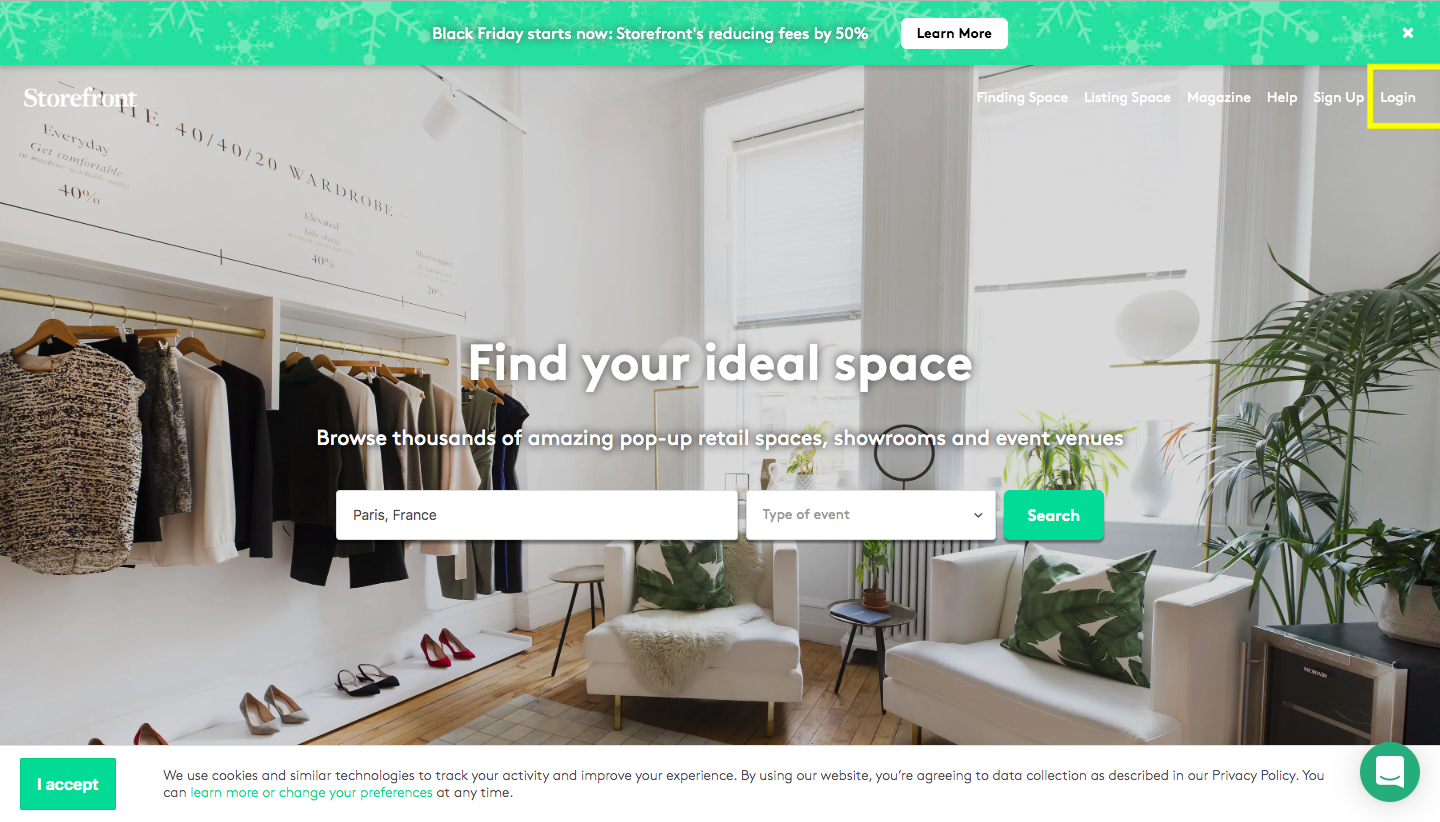
Commencez par vous connecter à la plateforme avec vos identifiants.
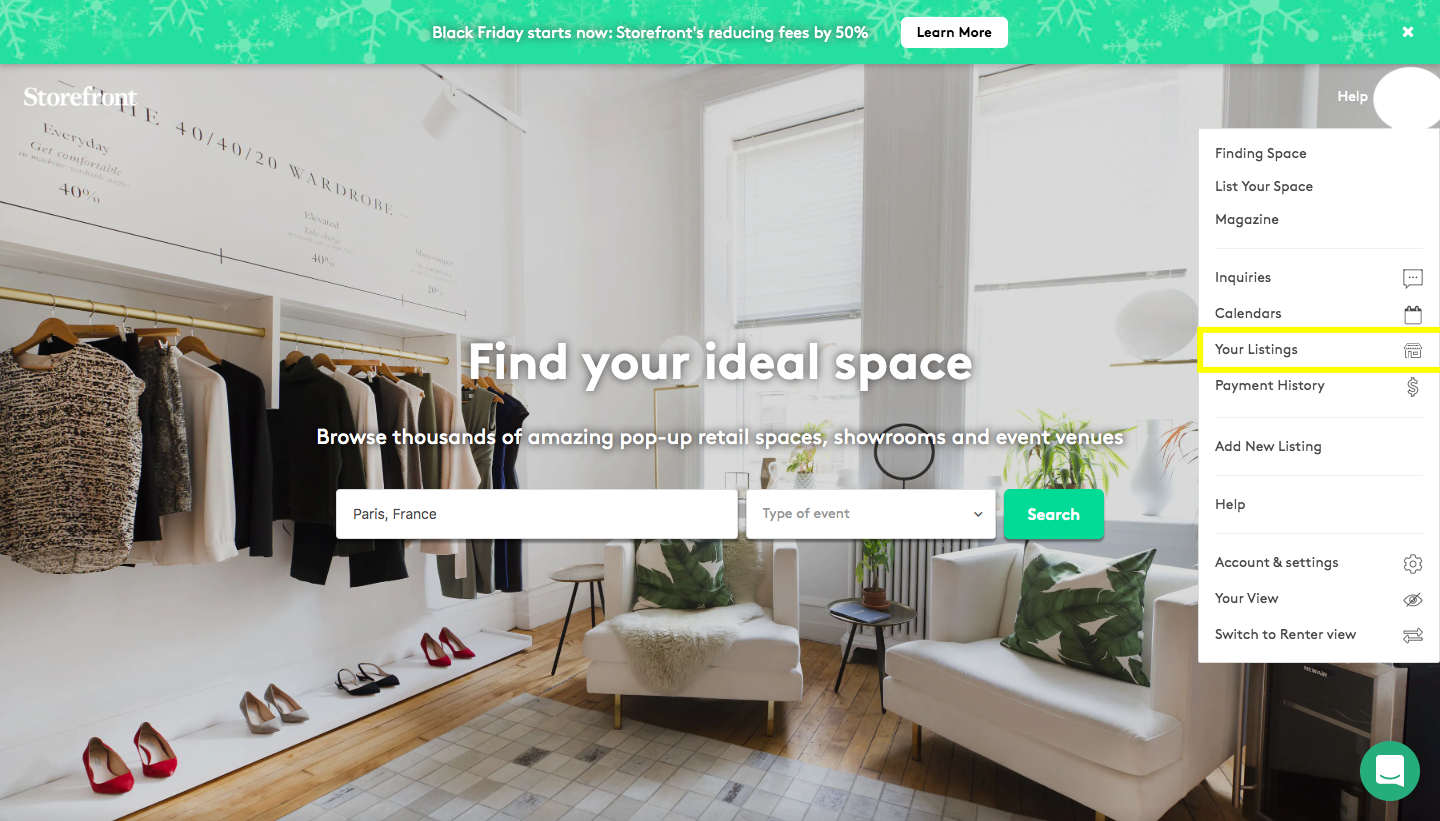
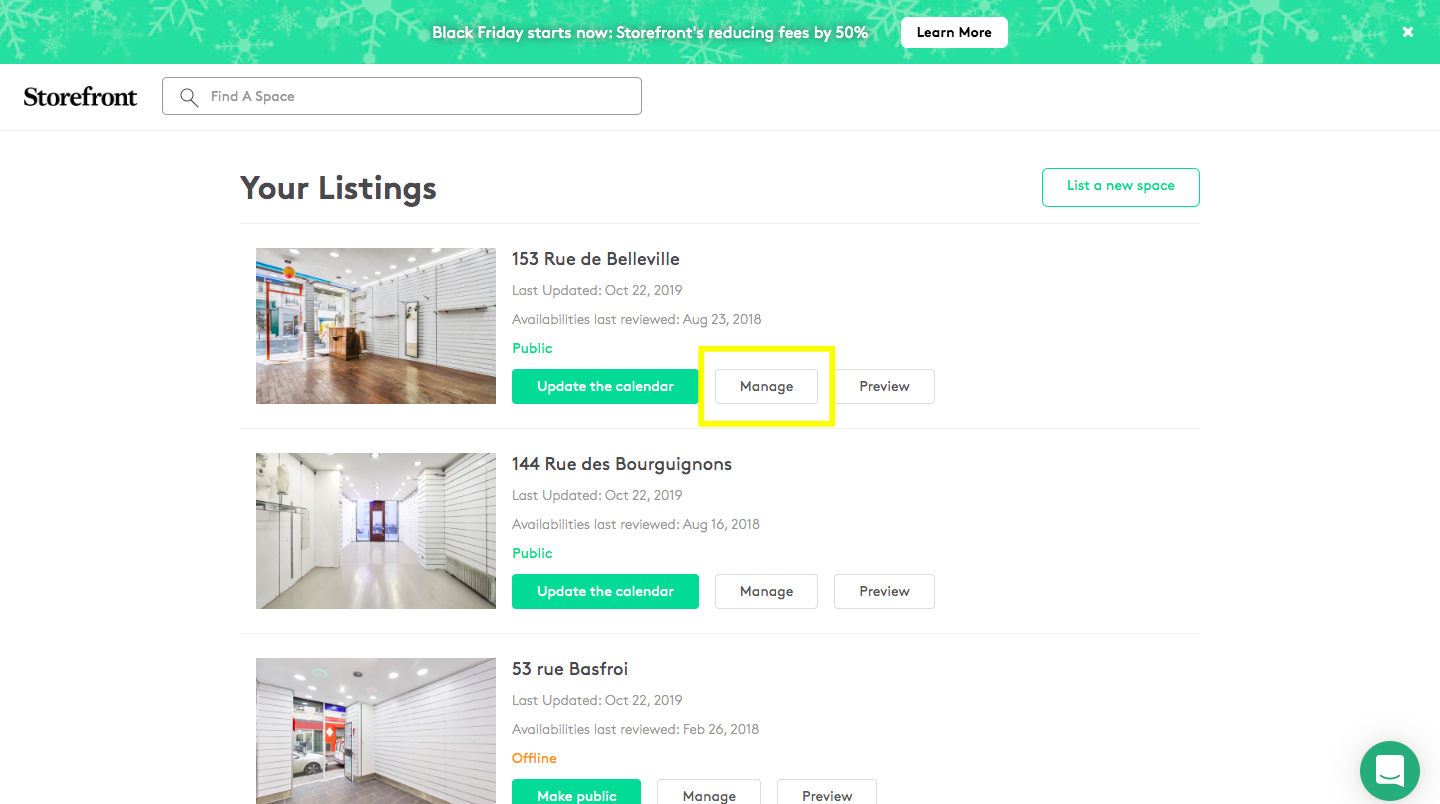
Cliquez sur « Vos annonces », puis « Gérer », puis sur la section « Prix »…
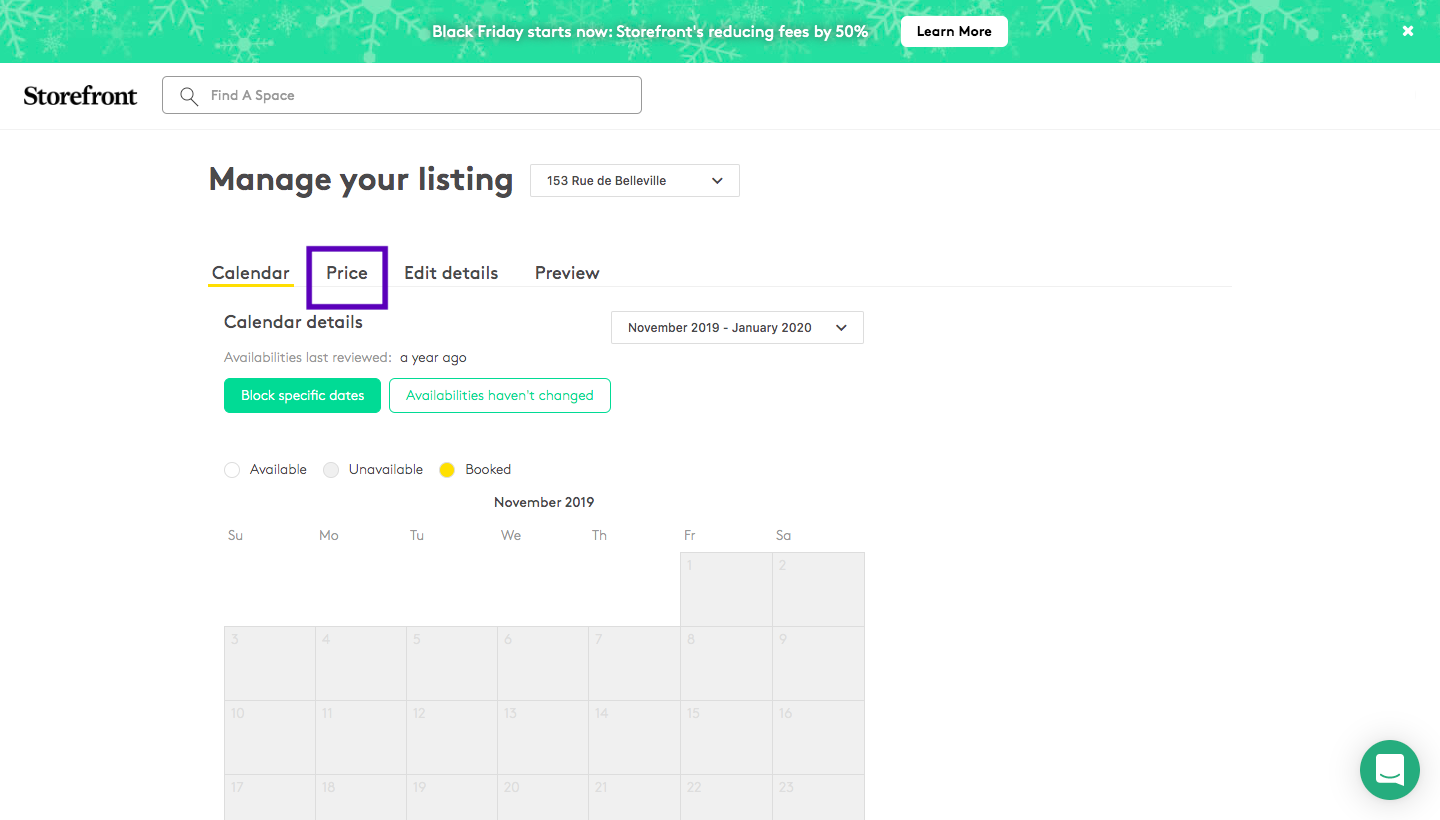
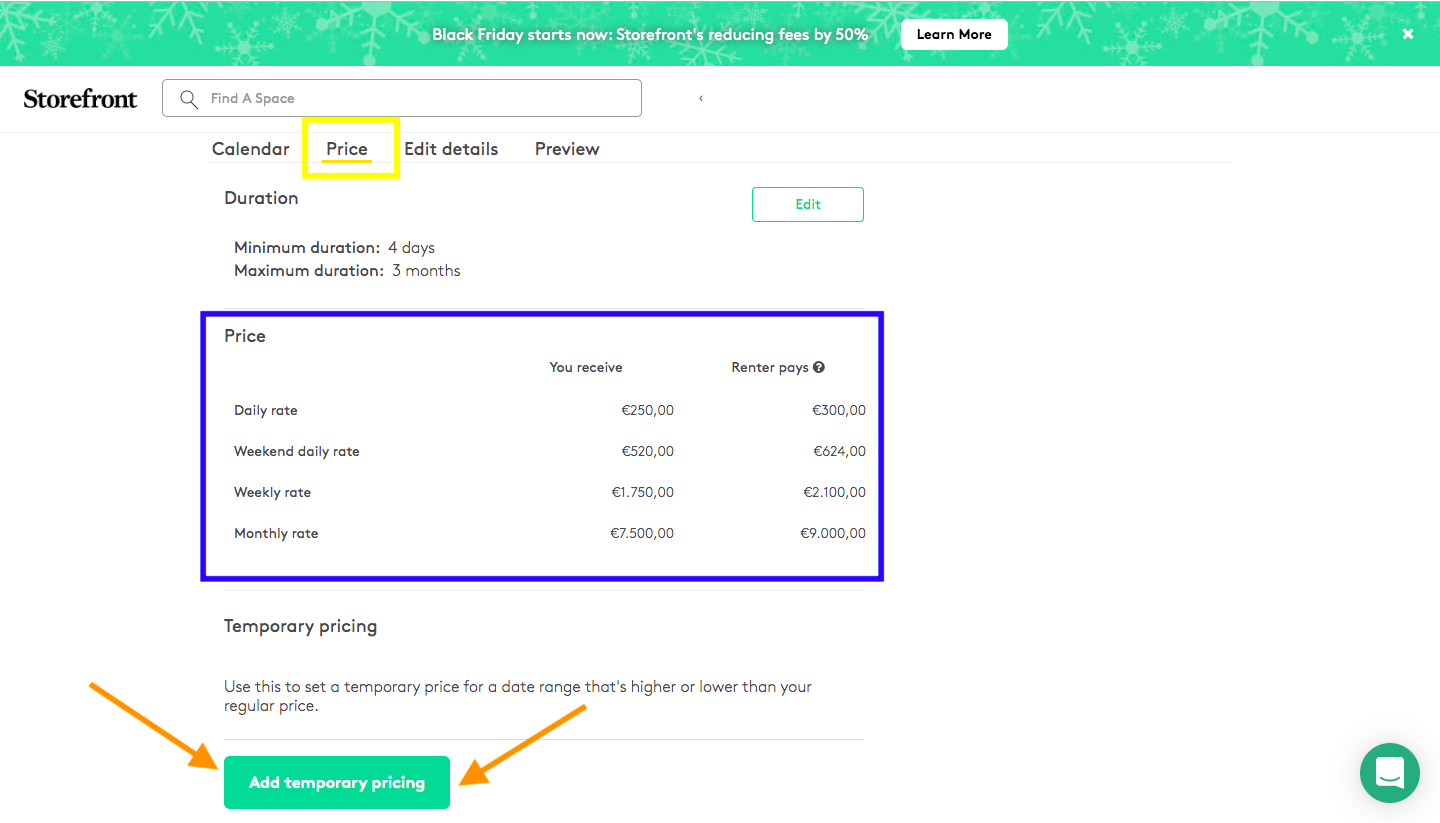
Vous avez deux types de tarifs. Le premier (souligné en bleu) correspond aux tarifs de votre espace, par ex. 1 500 € / semaine. « Ajouter une tarification temporaire » sert à définir des prix sur une période donnée (par ex. les semaines de mode, l'été, les fêtes…). Sélectionnez la période et indiquez le montant souhaité. Une fois enregistré, la plateforme actualise les prix en incluant notre commission de 20 %.