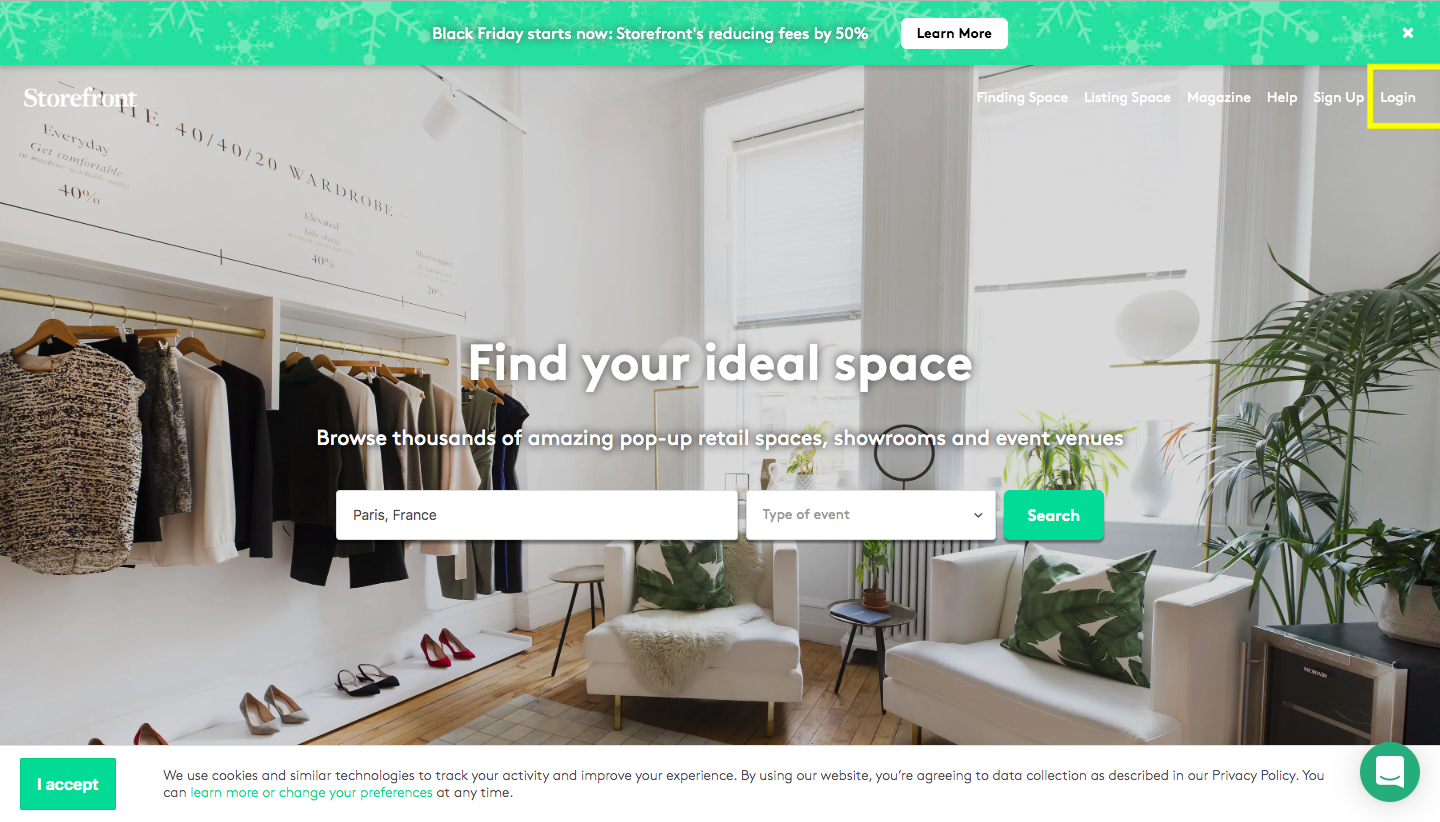

먼저, 로그인 정보를 사용하여 플랫폼에 로그인하세요.

Storefront homepage with Find your ideal space search bar and Login button highlighted in yellow


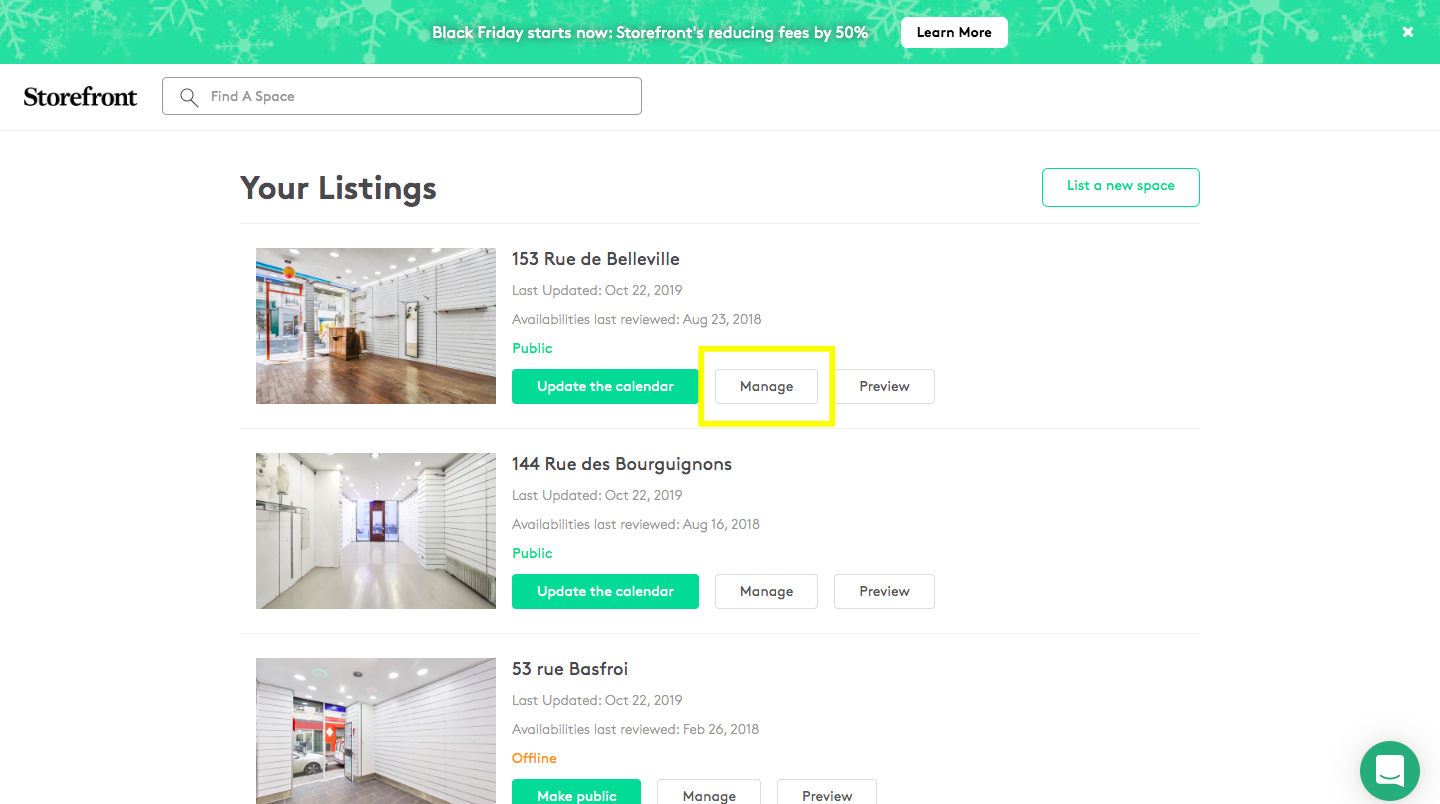
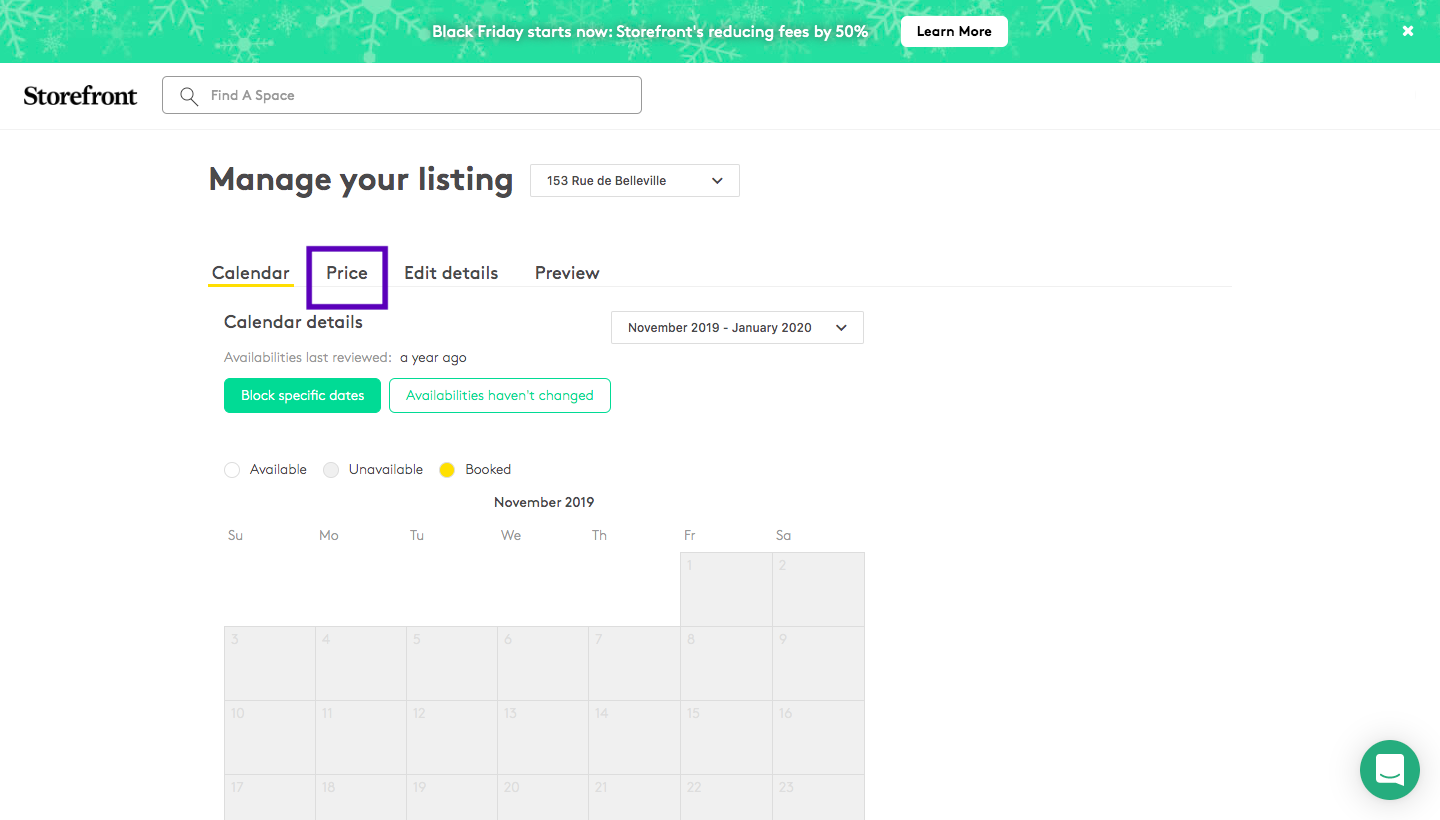
'내 매물'을 클릭한 다음 '관리'를 클릭하고 '가격' 섹션을 클릭하세요...
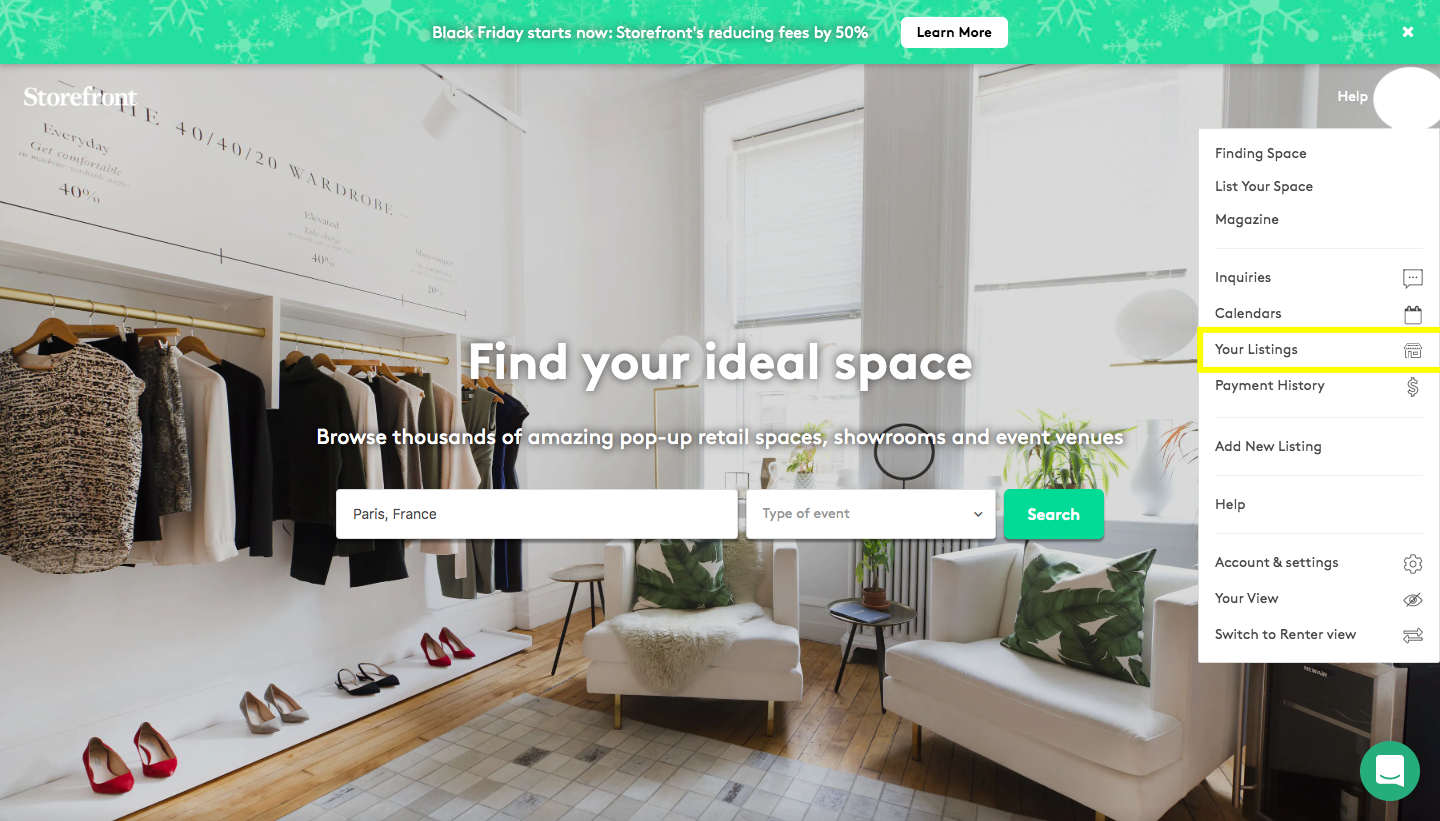
Storefront homepage with account navigation dropdown open and Your Listings option highlighted

Your Listings page on Storefront showing three listed spaces with Manage and Preview buttons


Manage listing page showing the Price tab selected with Block specific dates and Availabilities haven't changed buttons


두 가지 다른 유형의 가격이 있습니다. 첫 번째(파란색으로 밑줄 표시)는 공간에 대해 설정된 가격을 나타냅니다(예: 주당 1,500€). 반면 '임시 가격 추가'는 특정 기간(예: 패션 위크, 여름, 크리스마스 기간)에 가격을 설정하려는 경우를 위한 섹션입니다. 기간을 선택하고 받고 싶은 가격을 입력하세요. 저장하면 플랫폼이 자동으로 20% 수수료를 적용한 가격으로 업데이트됩니다.
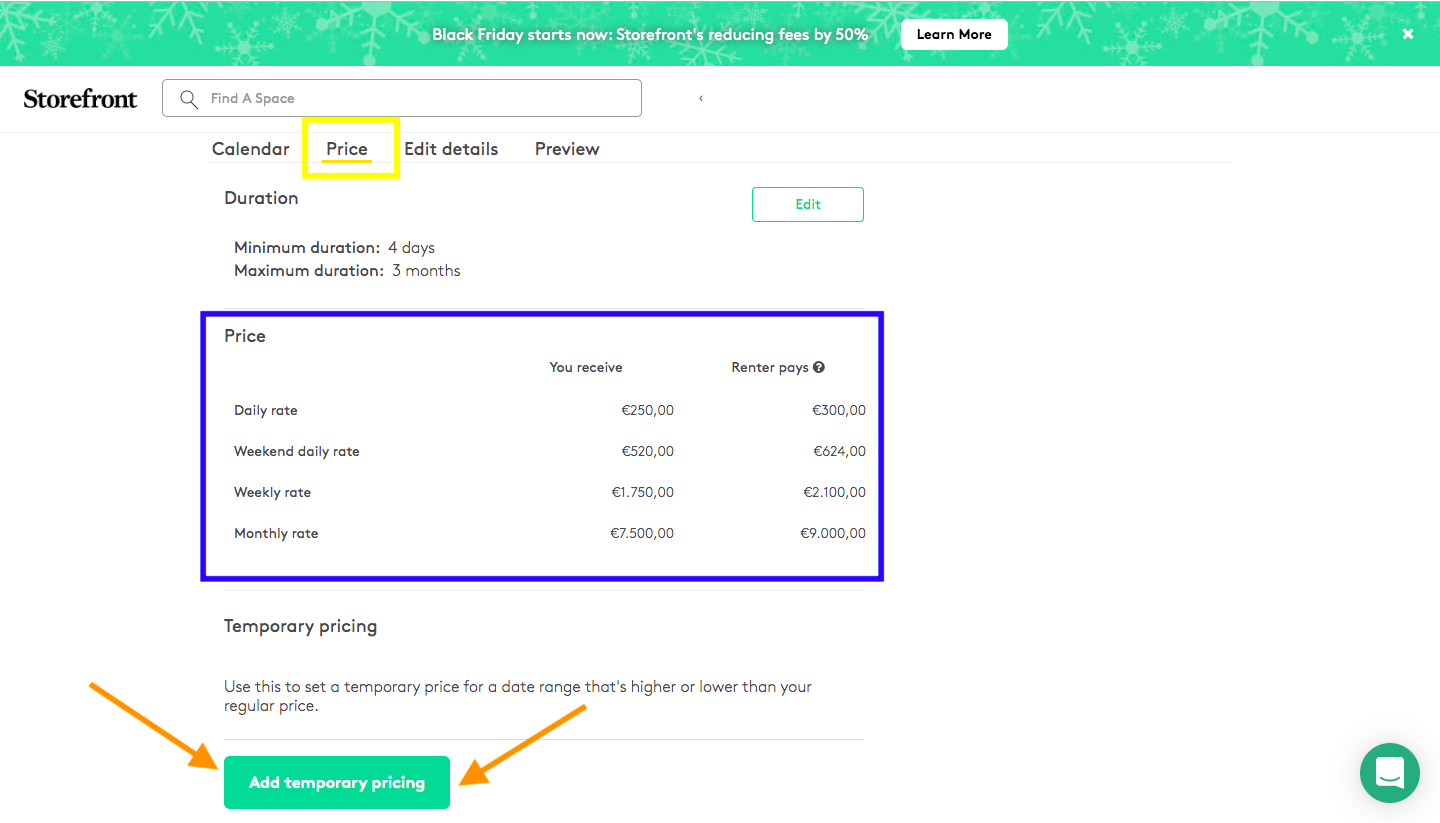


Manage listing Price tab showing a pricing table with daily, weekend daily, weekly, and monthly rates and an Add temporary pricing button