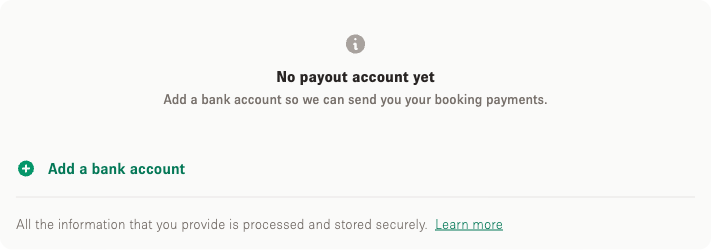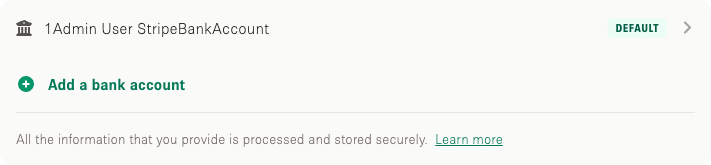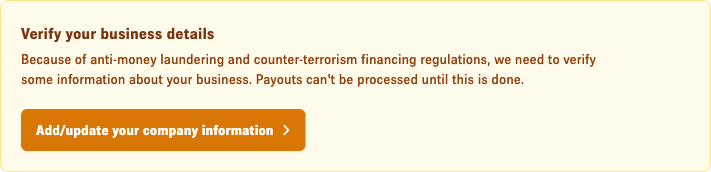

Storefront를 통해 결제를 받으려면 핵심 계정 정보를 설정해야 합니다. 계정에 정보를 입력하는 것은 리스팅 완성을 위한 주요 단계 중 하나입니다.

결제를 받기 위한 계정 설정 방법은?

1. Storefront 계정에 로그인하세요.

2. 아래 이미지와 같이 오른쪽 상단의 "Account"를 클릭하세요.

Storefront homepage in Safari browser with the Account button highlighted in the top navigation with a red arrow

3. 그런 다음 아래와 같이 "Account" 설정 옵션의 "Account" 아래 오른쪽 상단의 "Manage Account"를 클릭하세요.

Storefront account dropdown menu with Manage Account option highlighted in a red box

4. "Payout Preferences"를 클릭하여 다음 단계로 이동하세요. (https://www.thestorefront.com/account/payout_methods)

Storefront Your Information account page with Payout Preferences section highlighted and annotated

5. "Complete your information now"를 클릭하여 다음 단계로 이동하세요.

Storefront account page showing a yellow banner prompting the user to complete their information with a Complete your information now button

6. 이제 *가 있는 모든 항목을 입력해야 합니다.

**법적 이름(별명 불가, 세무 당국에 등록된 철자와 일치해야 함), 세무 당국에 신고된 유효한 자택 주소(회사 주소와 동일할 수 없음), 납세자 ID 및 SSN 뒤 4자리.**

Update Company Information form showing Company Name, Company Size, Entity Type, and Company Website fields with the website field highlighted

7. "Company Information"을 입력한 후 "Add New Payout Account"를 클릭하여 다음 단계로 이동하세요. (https://www.thestorefront.com/account/payout_methods/new/)

Your Payout Accounts page with Add New Payout Account option highlighted in a red box

8. 다음 창은 Storefront를 통한 결제 수령을 위한 결제 정보 확정의 마지막 단계입니다.

계좌번호 + 라우팅 번호.

Add new payout bank account form with Routing Number, Account Number, and Confirm Account Number fields and example account name Storefront Payouts


추가 질문이 있으시면 support@thestorefront.com으로 문의해 주세요.