

Accedi, apri il menu dell’account in alto a destra e scegli “Account e impostazioni”.
In Pagamenti, seleziona “Preferenze per i pagamenti”.

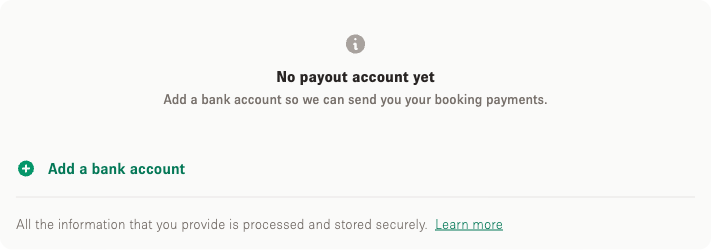
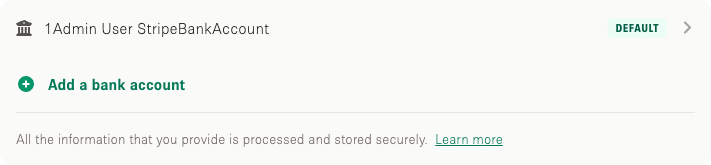
Seleziona “Aggiungi un conto bancario” e inserisci le coordinate. I campi mostrati dipendono dal paese in cui è registrata la tua attività.
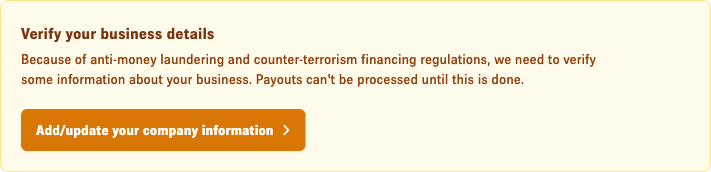
Per motivi fiscali e di sicurezza potrebbero esserti richieste altre informazioni su di te e sulla tua attività prima che i pagamenti possano essere inviati.
Cosa succede alle mie coordinate bancarie quando aggiungo un metodo di pagamento?