
登入後,開啟頁面右上角的帳戶選單,選擇「管理帳戶」。
在 付款 下選擇「收款方式」。

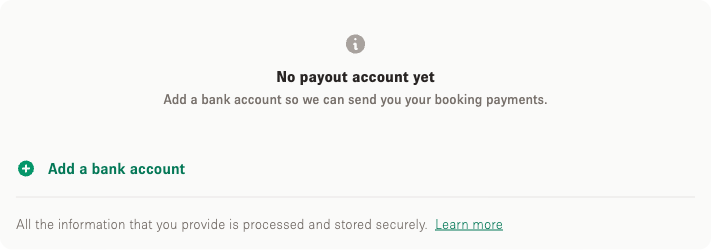
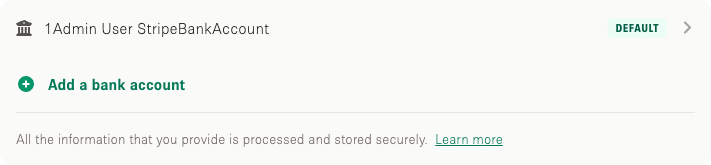
選擇「新增銀行帳戶」並填寫銀行資料。顯示的欄位視乎你的公司註冊所在地。
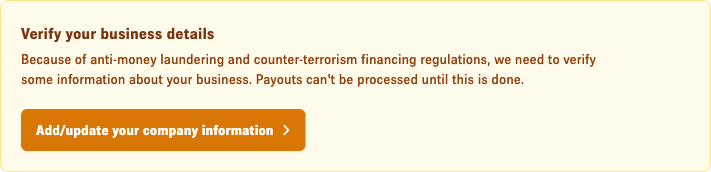
基於稅務及安全理由,在款項發放前,我們可能會要求你提供更多關於你和公司的資料。

Storefront 幫助中心
如何在帳戶設定中新增銀行帳戶以收取租金收入、顯示的欄位為何視乎公司註冊地,以及為何可能需要補充資料。
更新於 2026年9月22日
登入後,開啟頁面右上角的帳戶選單,選擇「管理帳戶」。
在 付款 下選擇「收款方式」。
選擇「新增銀行帳戶」並填寫銀行資料。顯示的欄位視乎你的公司註冊所在地。
基於稅務及安全理由,在款項發放前,我們可能會要求你提供更多關於你和公司的資料。