
登入後,開啟頁面右上角的帳戶選單,選擇「管理帳戶」。
在 付款 下選擇「付款方式」。

選擇「新增付款方式」,填寫你的信用卡資料,然後選擇「新增信用卡或銀行扣帳卡」。
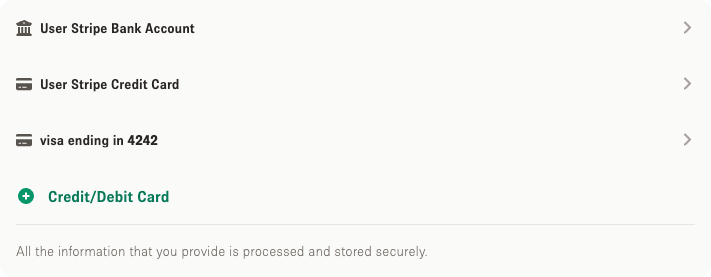
只有在你預訂場地時才會扣款。以往新增的銀行帳戶仍會顯示於此,但現時只能新增信用卡。

Storefront 幫助中心
如何在 Storefront 帳戶新增信用卡,以支付你預訂的場地。
更新於 2026年9月21日
登入後,開啟頁面右上角的帳戶選單,選擇「管理帳戶」。
在 付款 下選擇「付款方式」。
選擇「新增付款方式」,填寫你的信用卡資料,然後選擇「新增信用卡或銀行扣帳卡」。
只有在你預訂場地時才會扣款。以往新增的銀行帳戶仍會顯示於此,但現時只能新增信用卡。