
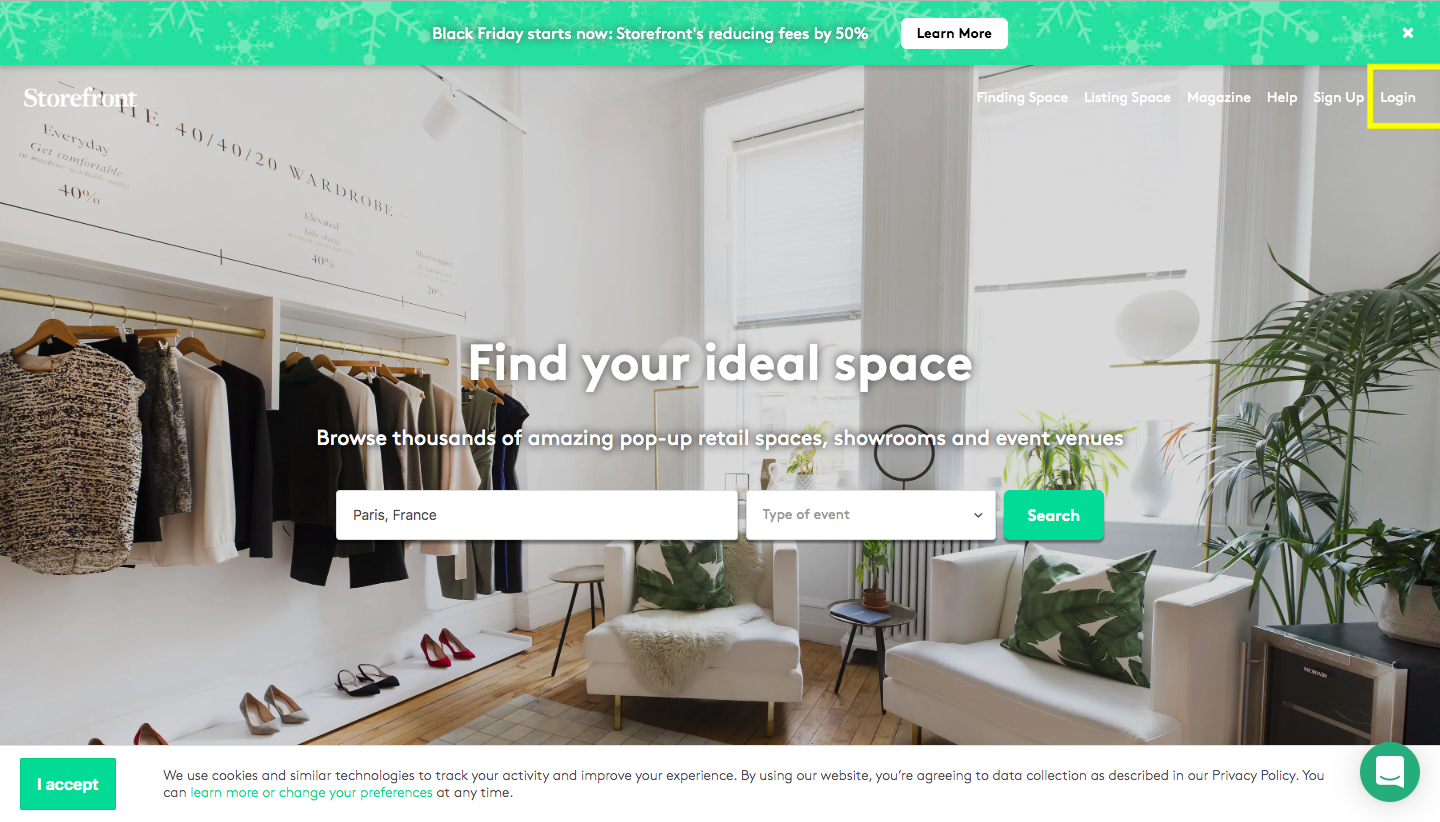
Prima di tutto, utilizza le tue credenziali per accedere alla piattaforma.
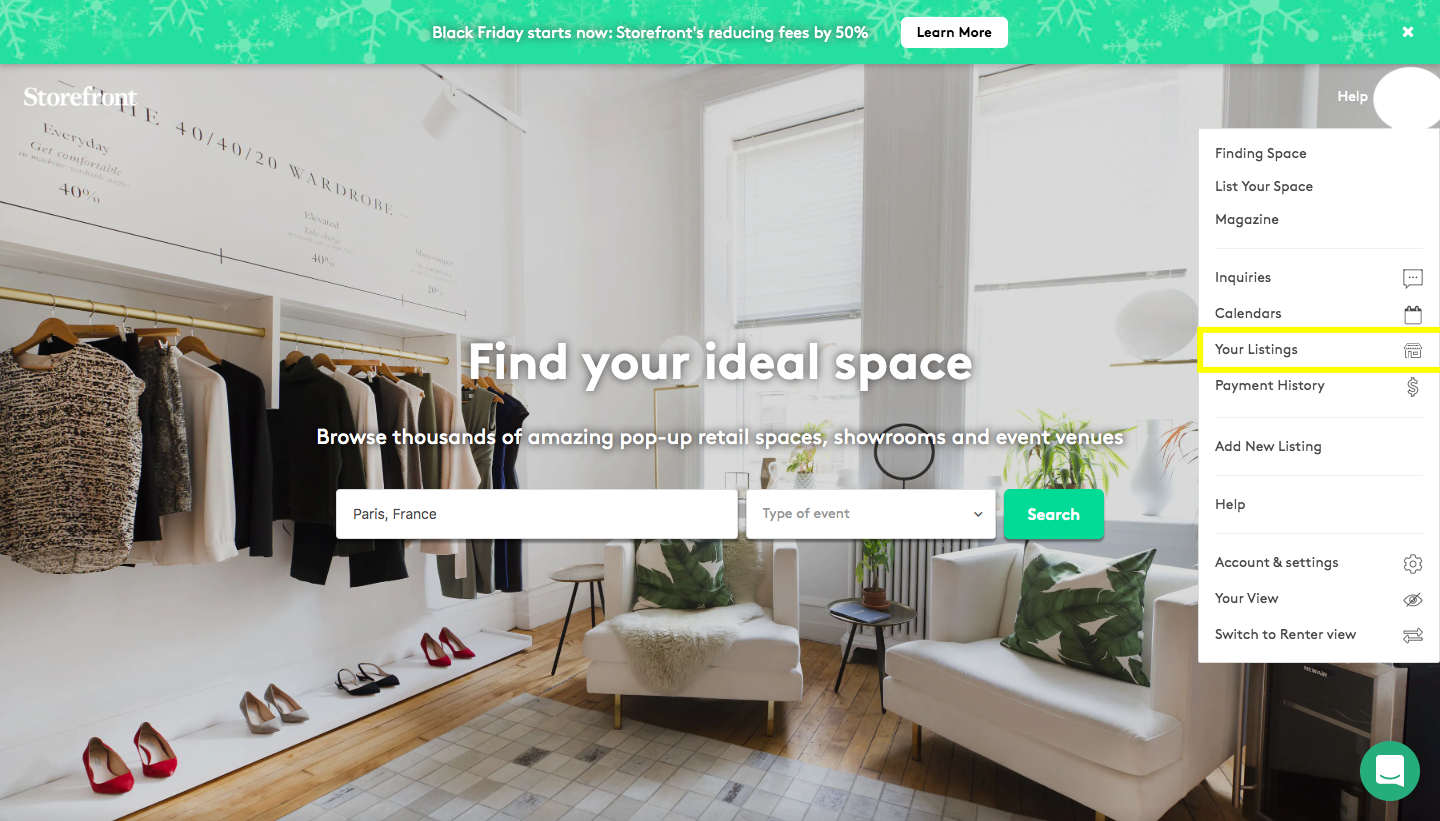
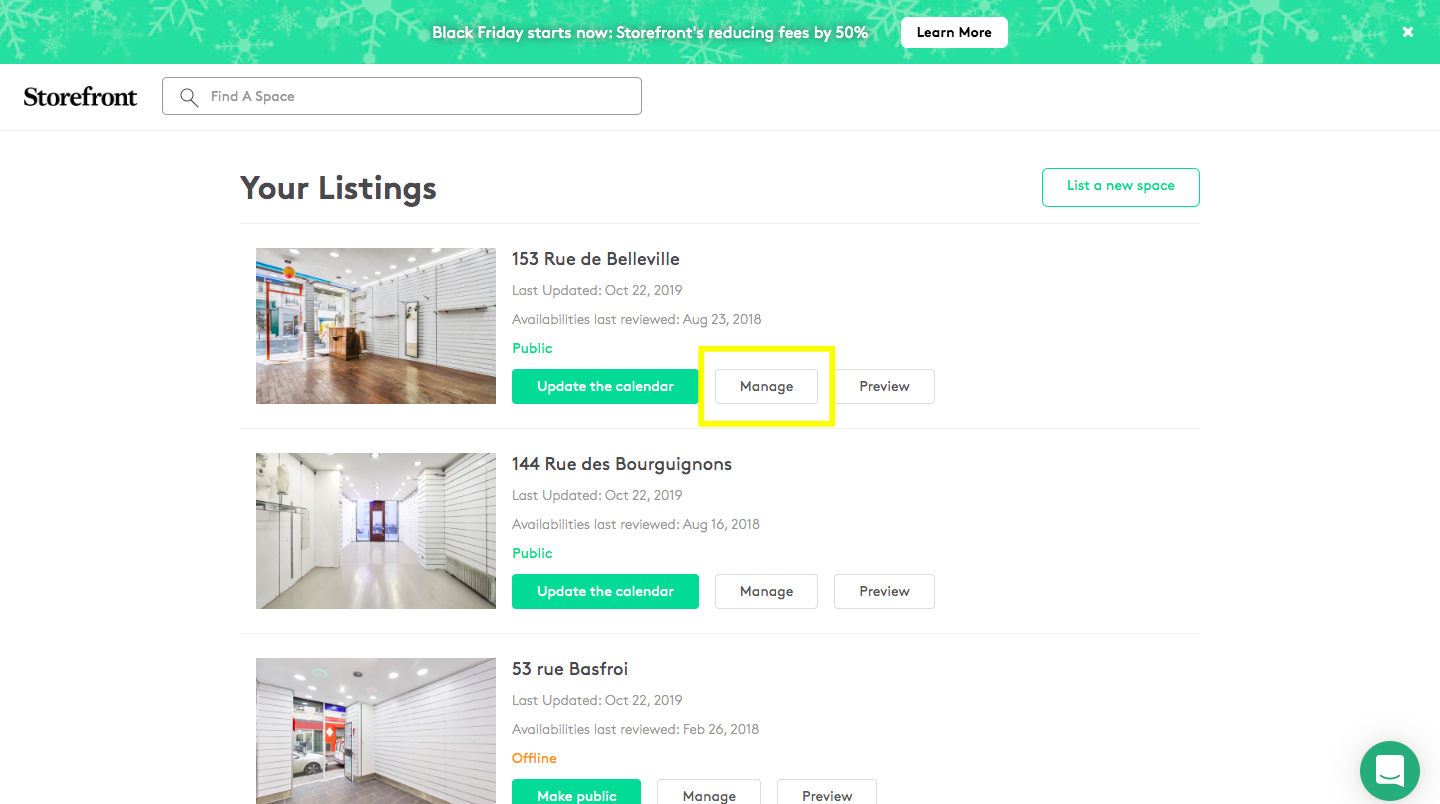
Fai clic su 'I tuoi annunci', poi su 'Gestisci' e fai clic sulla sezione 'Prezzo'...
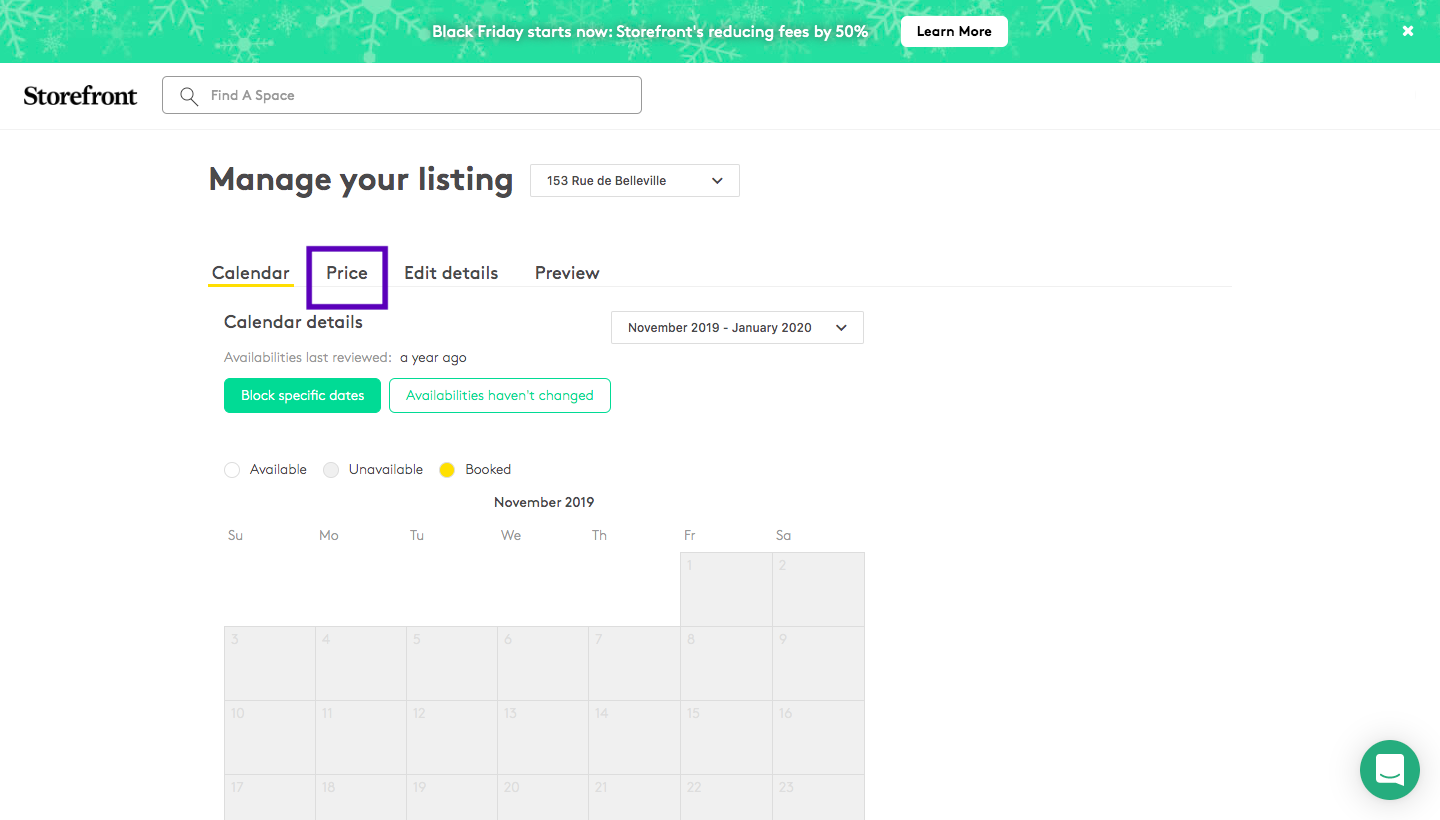
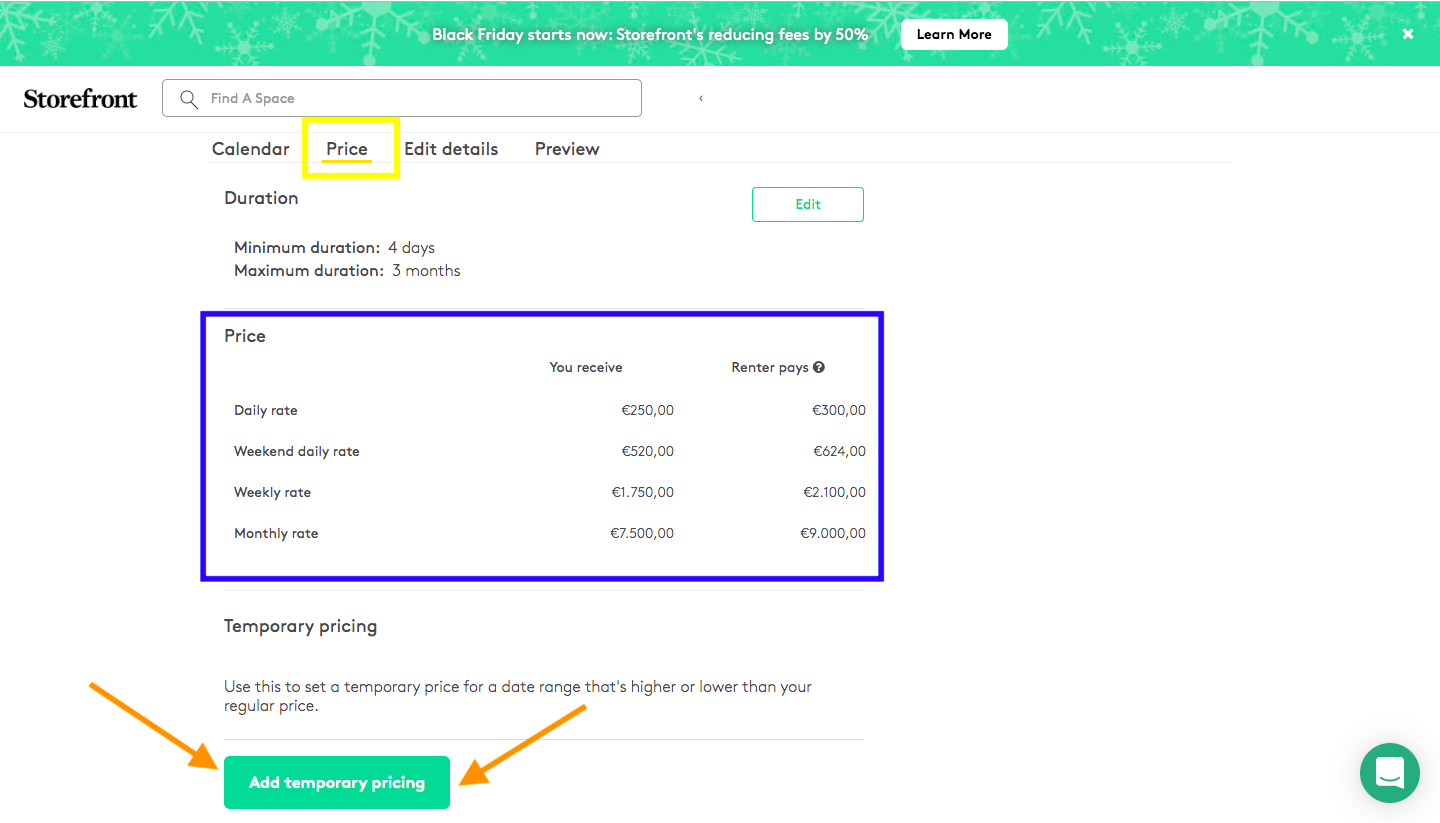
Avrai due tipi diversi di prezzi. Il primo (sottolineato in blu) rappresenta i prezzi impostati per il tuo spazio, ad esempio 1.500€/settimana. D'altra parte, "Aggiungi Prezzi Temporanei" è una sezione nel caso in cui tu voglia impostare prezzi per un periodo specifico (ad esempio durante le Settimane della Moda, l'estate, il periodo natalizio...). Dovrai selezionare un periodo e inserire il prezzo che desideri ricevere. Una volta salvata, la piattaforma aggiornerà automaticamente i prezzi con la nostra commissione del 20%.