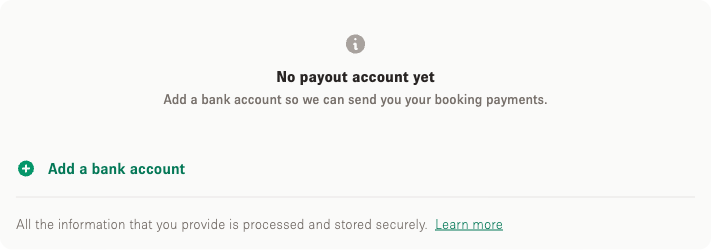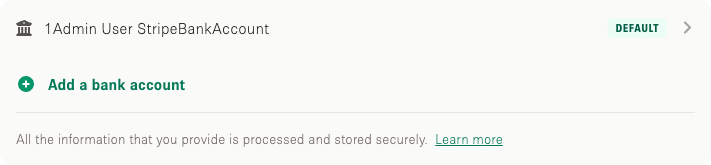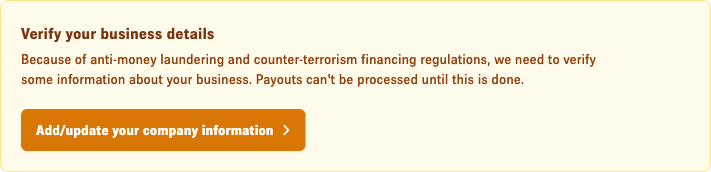

You need to setup key account information in order to receive payments via Storefront. It is primary that you have the information on your account as it is one major step towards listing completion.

How do I setup my account to receive payments?

1. Login to your Storefront account.

2. Click on "Account" in the top right corner as shown in the image below.

Storefront homepage in Safari browser with the Account button highlighted in the top navigation with a red arrow

3. Then click on "Manage Account" in the top right corner under the "Account" setting options as shown below.

Storefront account dropdown menu with Manage Account option highlighted in a red box

4. Click on "Payout Preferences" to move to the next step. (https://www.thestorefront.com/account/payout_methods)

Storefront Your Information account page with Payout Preferences section highlighted and annotated

5. Click on "Complete your information now" to move to the next step.

Storefront account page showing a yellow banner prompting the user to complete their information with a Complete your information now button

6. Now every field with a * needs to be filled out.

**Legal name (no nicknames, and it must match the spelling on-file with the tax authority), Valid home address for this individual as reported to a tax authority (cannot be the same as the company address), Tax ID and last 4 of your SSN.**

Update Company Information form showing Company Name, Company Size, Entity Type, and Company Website fields with the website field highlighted

7. Once the "Company Information" are filled out, you click on "Add New Payout Account" to move to the next step. (https://www.thestorefront.com/account/payout_methods/new/)

Your Payout Accounts page with Add New Payout Account option highlighted in a red box

8. The following window is the last step for you to finalize your payment information to receive payments via Storefront.

Account number + routing number.

Add new payout bank account form with Routing Number, Account Number, and Confirm Account Number fields and example account name Storefront Payouts


Feel free to reach out to support@thestorefront.com if you have anymore questions.