
To list your space, fill out the form here. After completing the form, you will need to create an account and agree to Storefront's Terms of Service.
Listing on Storefront is free on the Basic plan, with up to 3 inquiries per month. New listing owners can also try the Starter plan, with unlimited inquiries, free for 45 days.
We provide customer service and secure payments on all bookings. The following steps will provide a clear tutorial how to list your space:
Listing your space directly via Storefront takes about 5 minutes.
Read on for a step by step, or check out the Listing Owner Guide.
Let's get started!
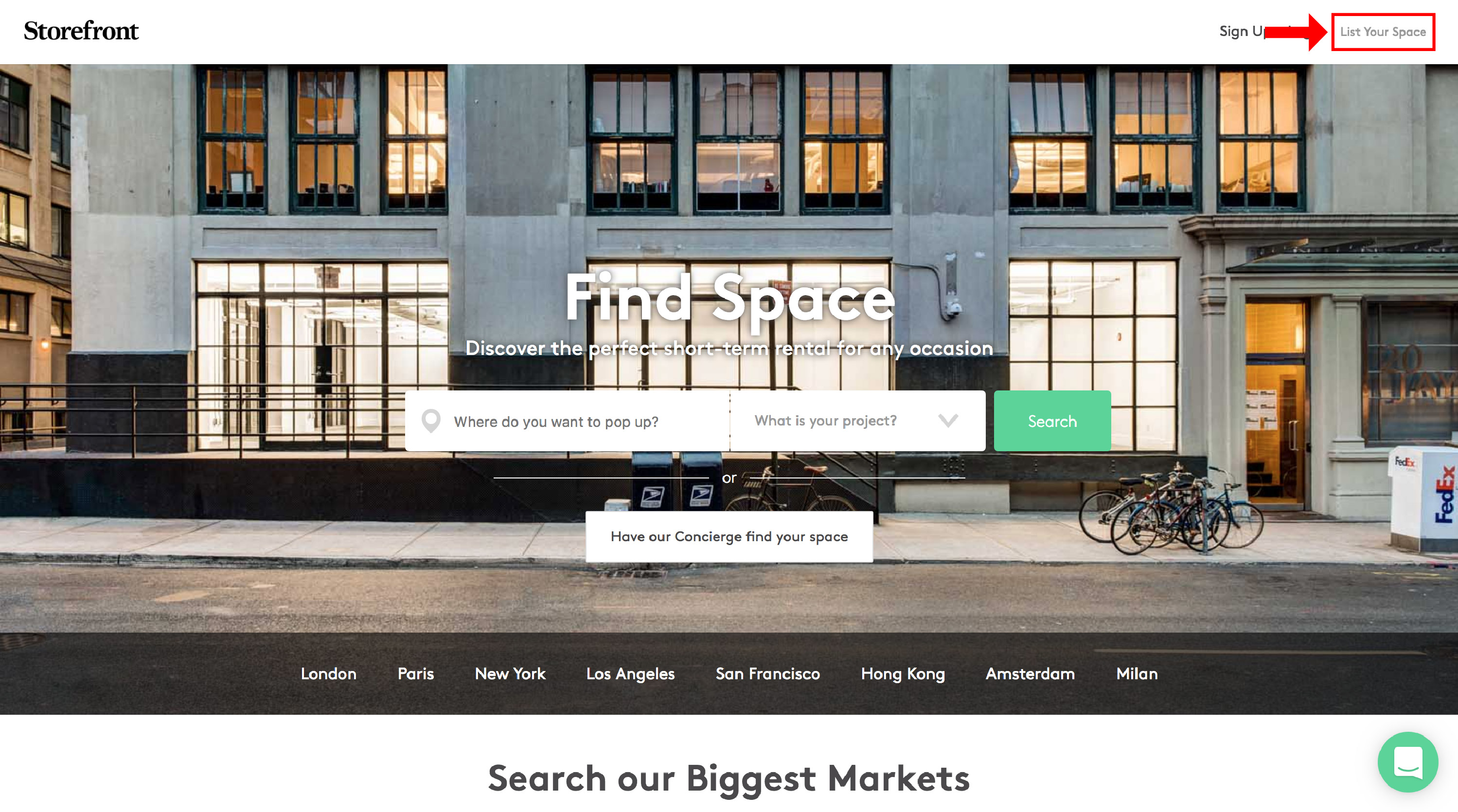
Go to Storefront Website: Click on "List Your Space"
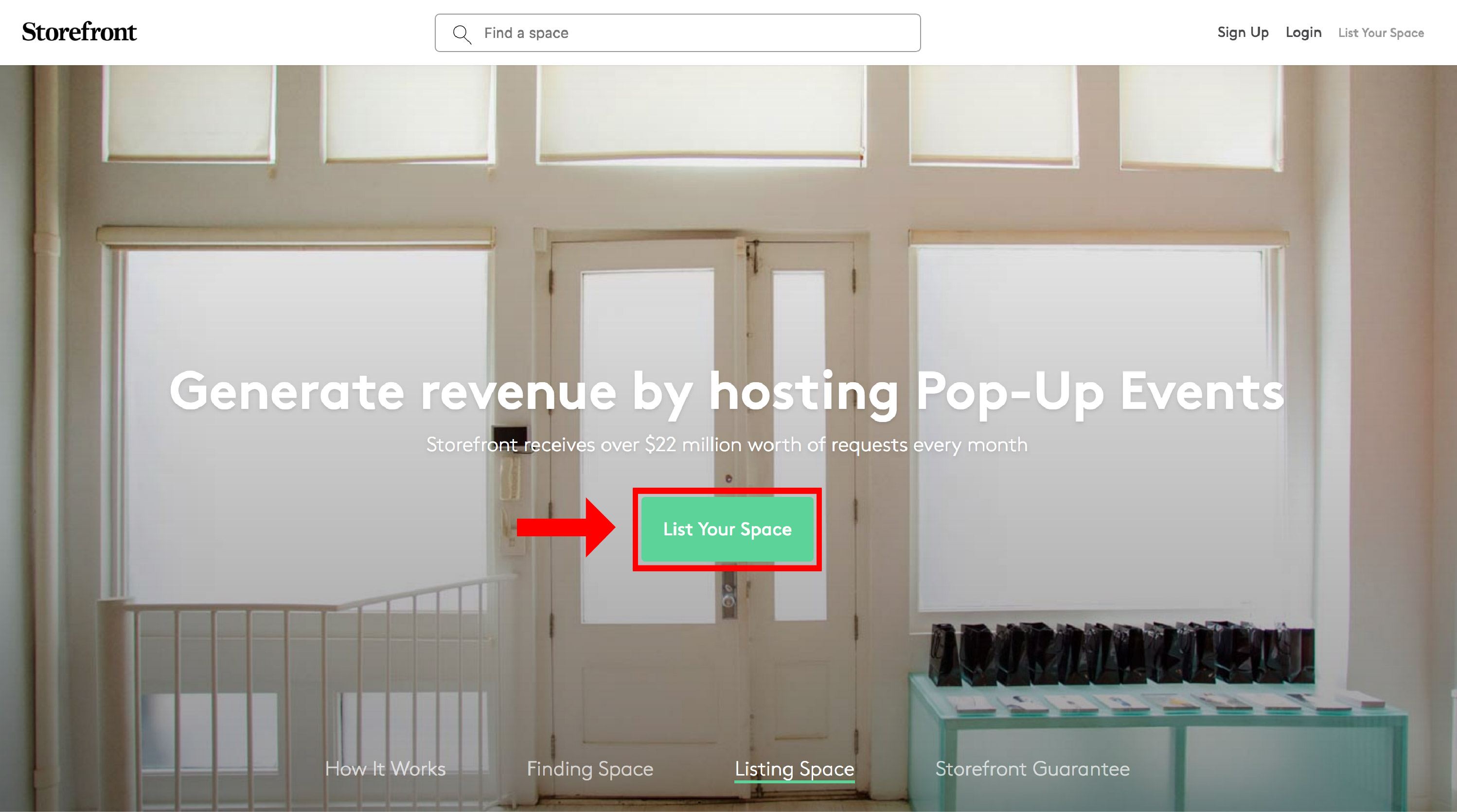
Go to "List Your Space": Click on the green button "List Your Space" or 'Start Your Free Trial'
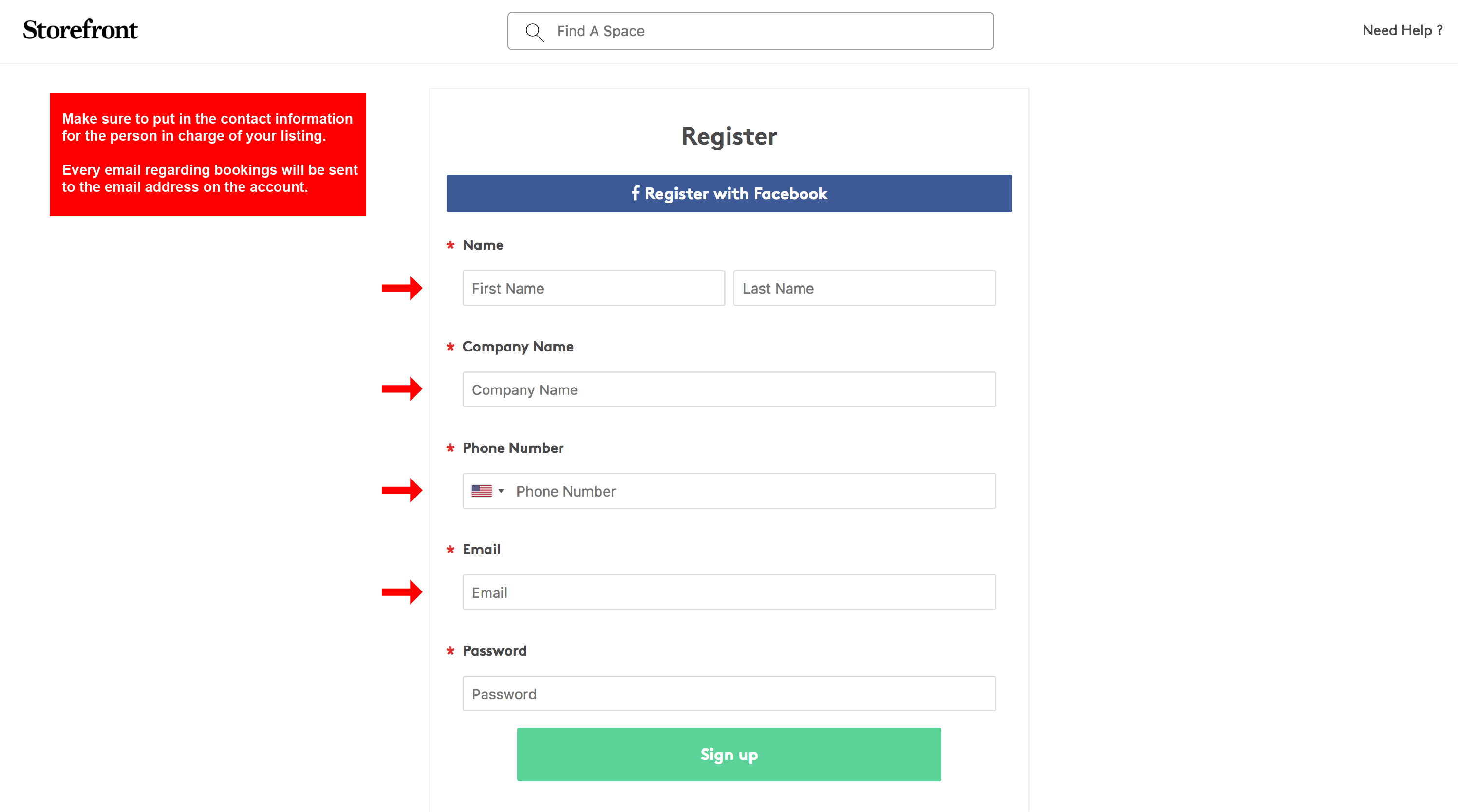
During Step 1 you will add your contact information and some of the basic information for your space.
Step 1.1: If you don't already have an account you will be prompted to create one (you need a Storefront account to proceed - it's free).
Step 1.2: Add the address for your space.
Step 1.3: Select the best options for your space and the size
Step 1.4: Select the "Amenities" of your space.
Your have completed Step1: "Characteristics of your Space"
During Step 2 you will add the pictures, title and description for your space.
Step 2.1: Select the best pictures for your space.
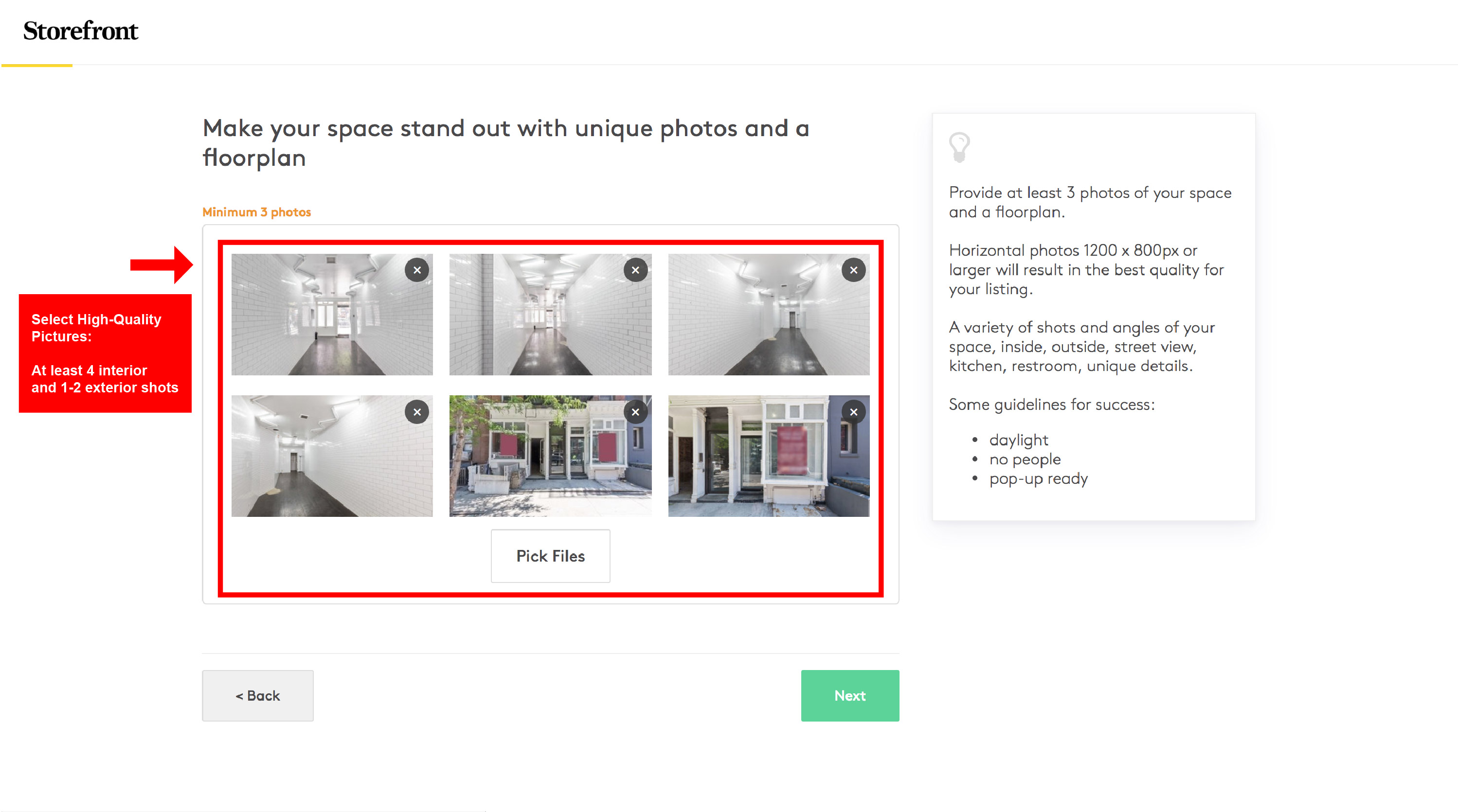
Read our Photography Guide for more advice on selecting the best photos.
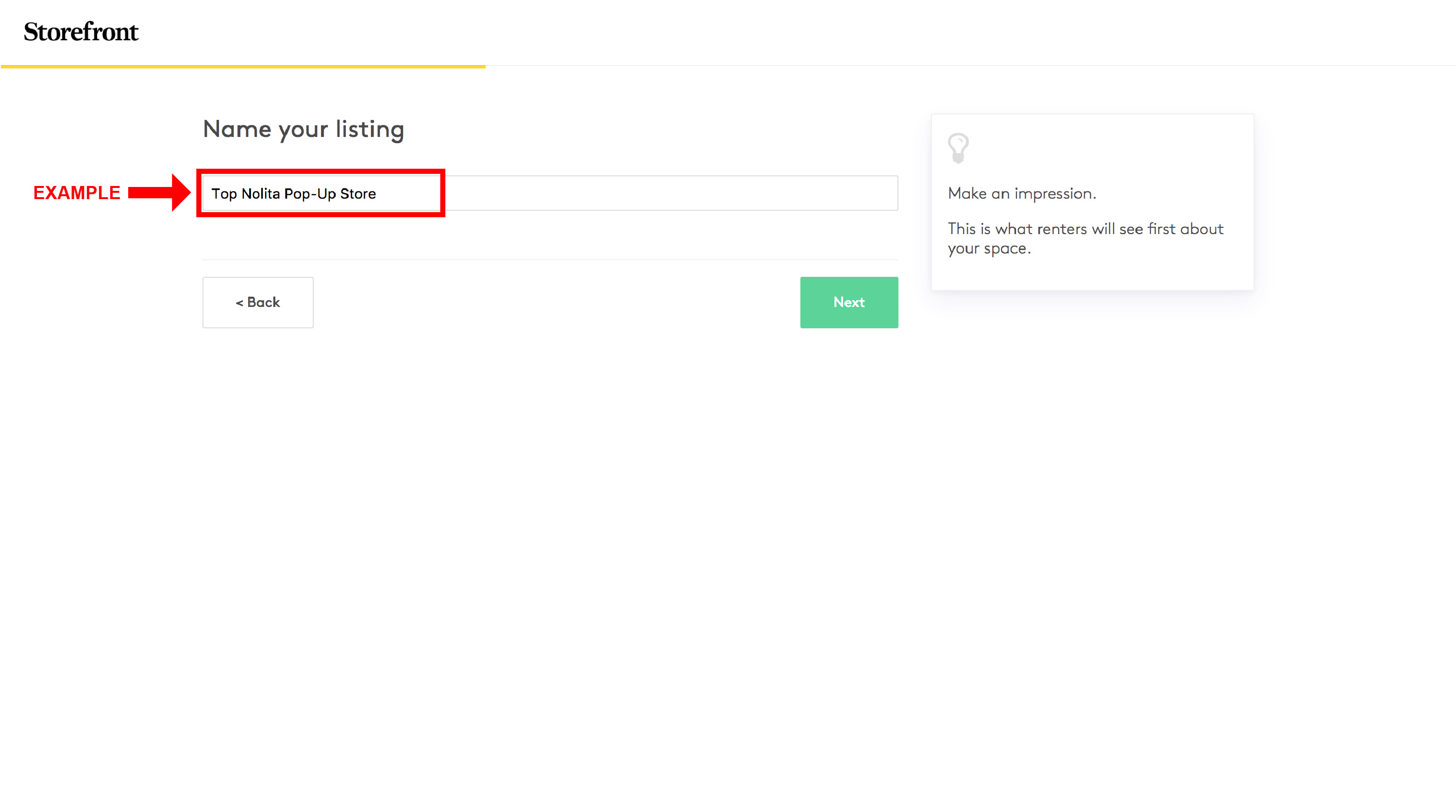
Step 2.2: Choose the perfect title for your listing.
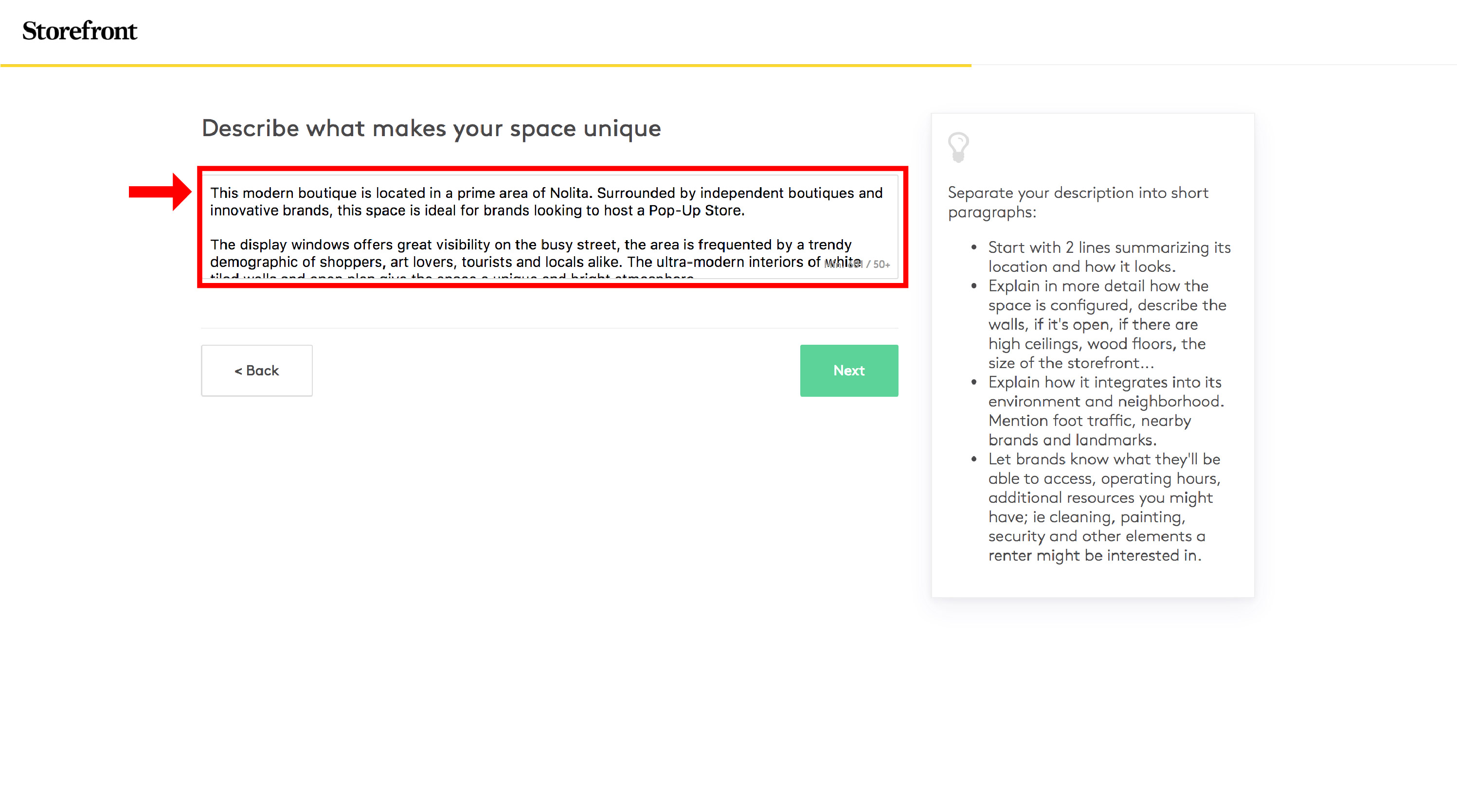
Step 2.3: Describe your space. Be concise and precise to sell your space well.
Example:
"This modern boutique is located in a prime area of Nolita. Surrounded by independent boutiques and innovative brands, this space is ideal for brands looking to host a Pop-Up Store.
The display windows offer great visibility on the busy street, the area is frequented by a trendy demographic of shoppers, art lovers, tourists and locals alike. The ultra-modern interiors of white tiled walls and open plan give the space a unique and bright atmosphere.
This space is a brilliant opportunity in a highly sought-after area, perfect for brands looking to align with a forward-thinking and dynamic area."
Your have completed Step 2: "Showcase Your Space"
During Step 3 you will finalize information on pricing and availability to complete your Listing.
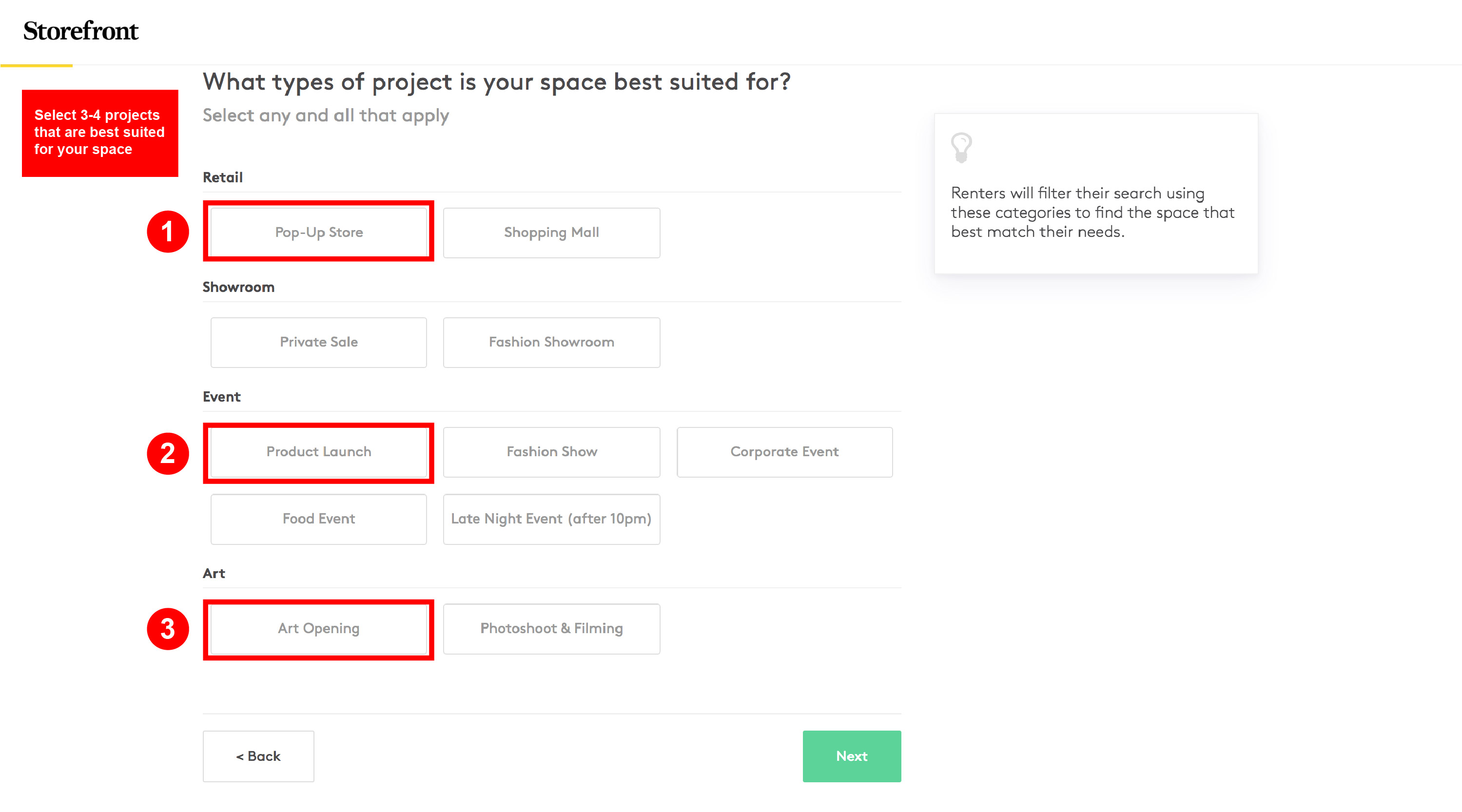
Step 3.1: Select 3-4 projects your space is best suited for.
Step 3.2: Select the availability for your space. We recommend 1 day as a minimum to increase your booking potential.
Step 3.3: Select the pricing for your space. Include the utility costs in your rental fee, if possible.
Your have completed Step 3: "Get ready to rent"
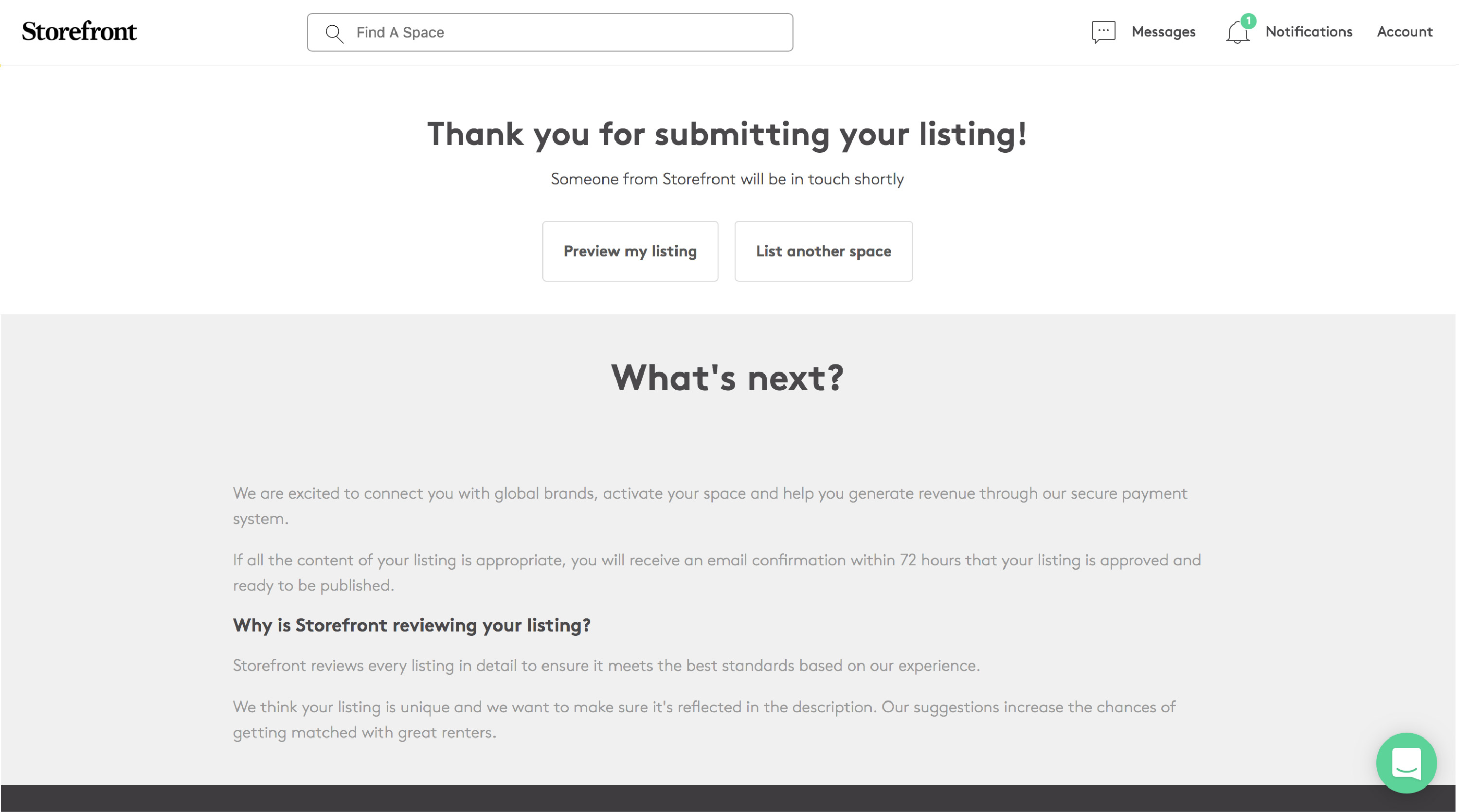
Your space is now submitted for a review by the Storefront Team. Please allow 3-5 business days for review.