
Log in, then open the account menu at the top right of any page and choose “Account & Settings.”
Under Money, select “Payout Preferences.”

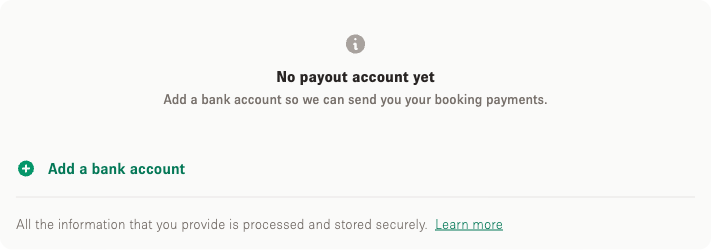
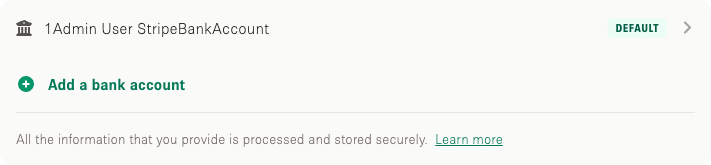
Select “Add a bank account” and fill in your bank details. The fields you see depend on the country your company is registered in.
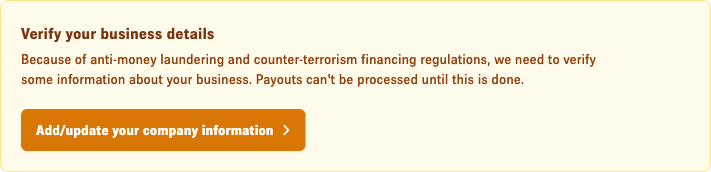
For tax and security reasons, you may also be asked for more details about you and your company before payouts can be sent.